Fix No Module Named pip_autoremove: Install and Environment Checks

Fix No module named pip_autoremove by installing pip-autoremove in the active interpreter, checking PATH, venv, and safer uninstall options.
Find Python error fixes with clear causes, tracebacks, package issues, TypeError, ValueError, import problems, and practical debugging steps.
Fix No module named pip_autoremove by installing pip-autoremove in the active interpreter, checking PATH, venv, and safer uninstall options.
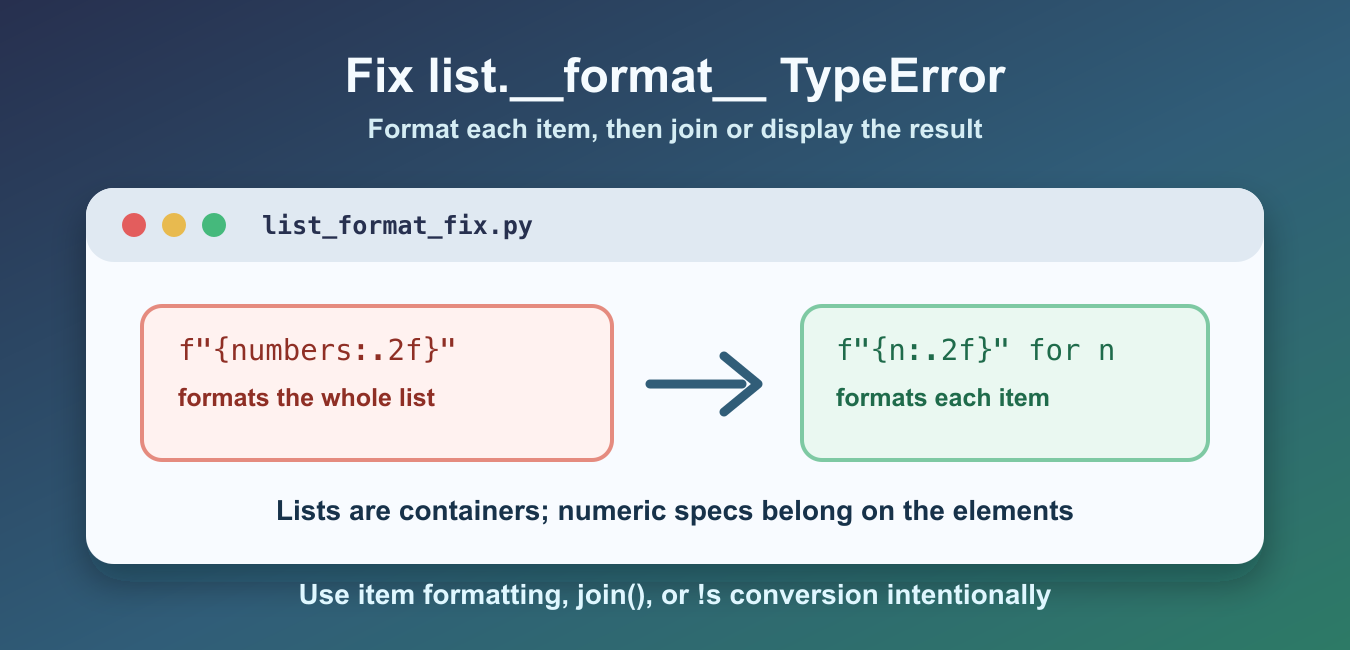
Fix the list.__format__ TypeError by applying numeric format specifications to individual values, joining formatted items, or converting the entire list to a string for display.
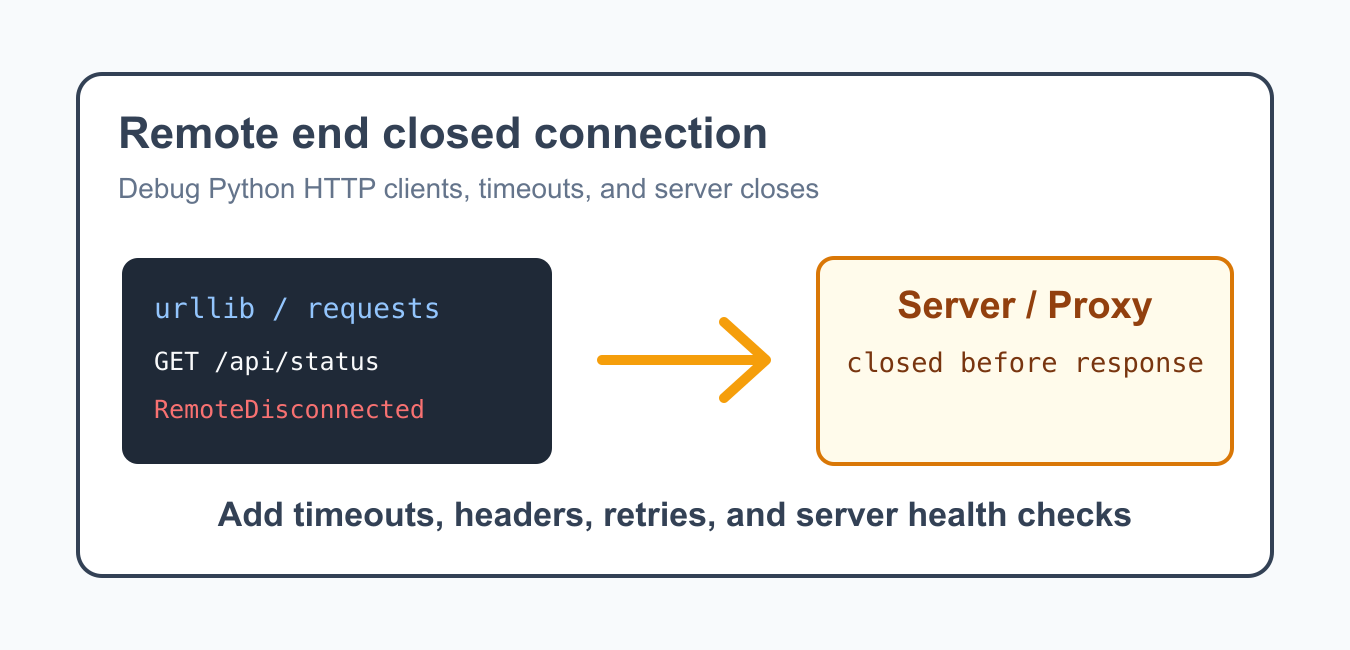
Diagnose RemoteDisconnected by separating client, proxy, and server failures, then use explicit timeouts and bounded safe retries.
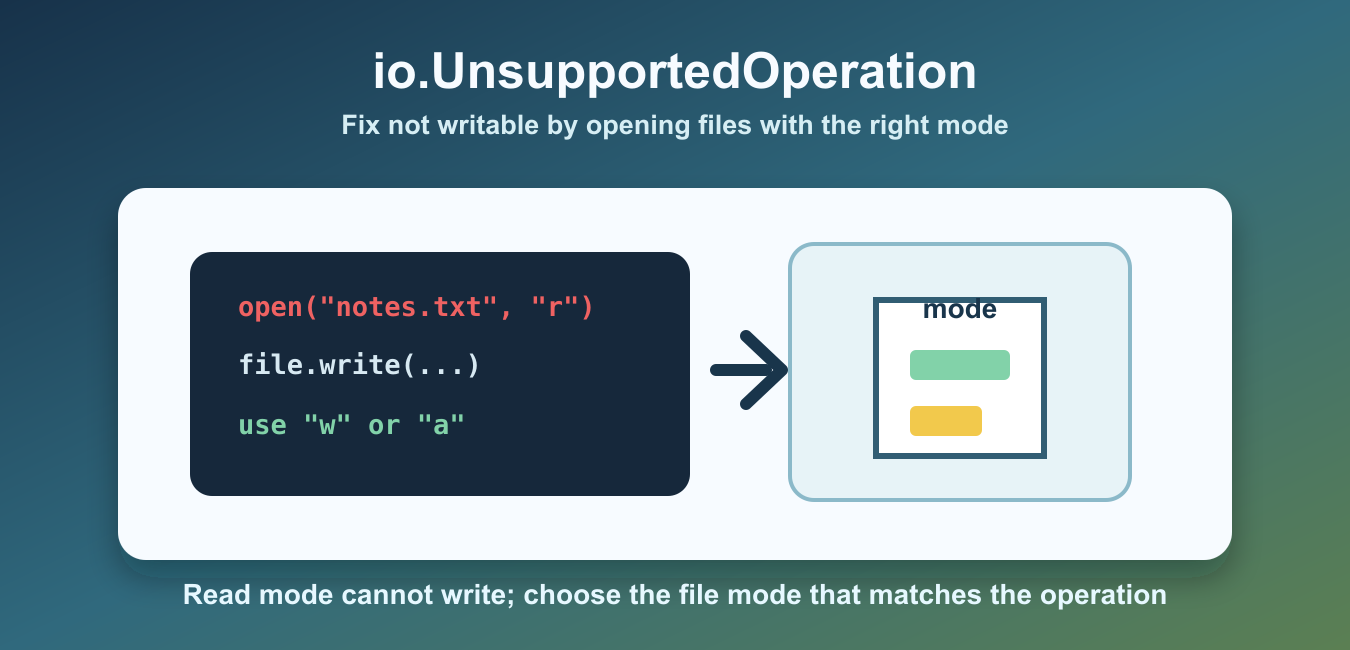
Fix io.UnsupportedOperation: not writable by opening the file with a compatible mode, checking writable(), and separating read and write operations.
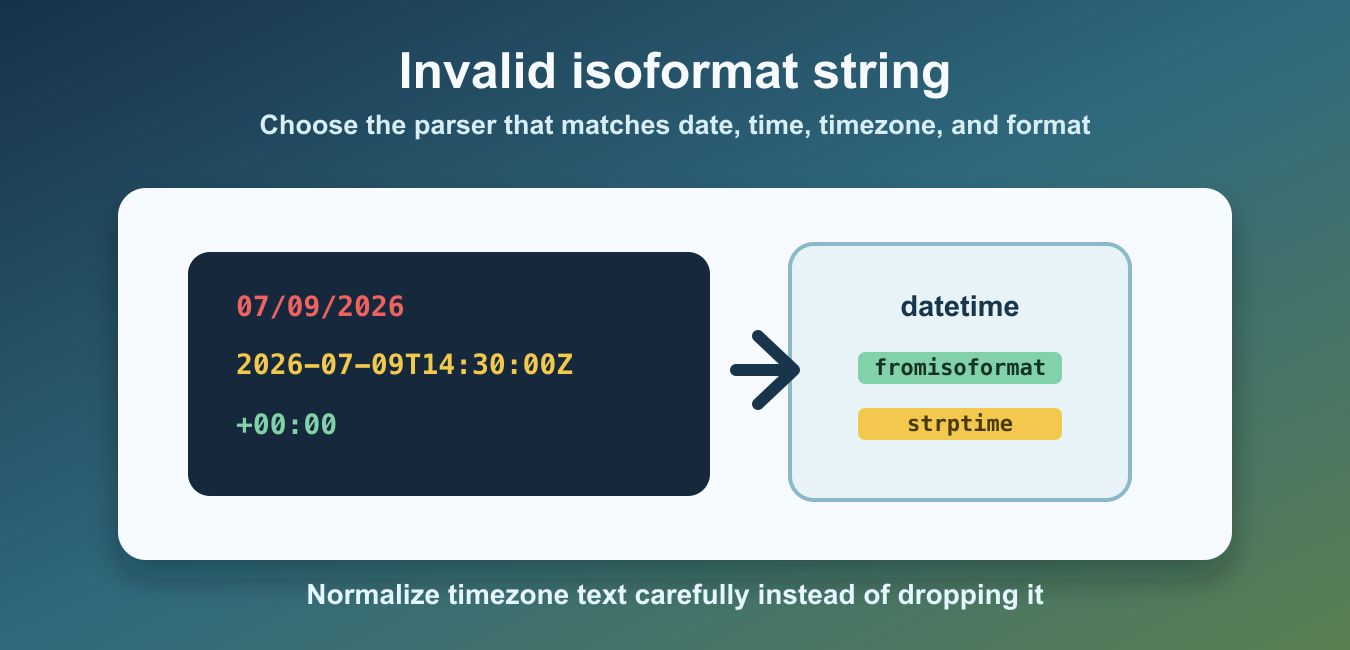
Fix invalid isoformat string errors by inspecting exact input, choosing date, datetime, or time parsing, and handling custom formats safely.

Fix the Python SSL module is not available error by checking OpenSSL, Python builds, virtual environments, certificates, and pip configuration.
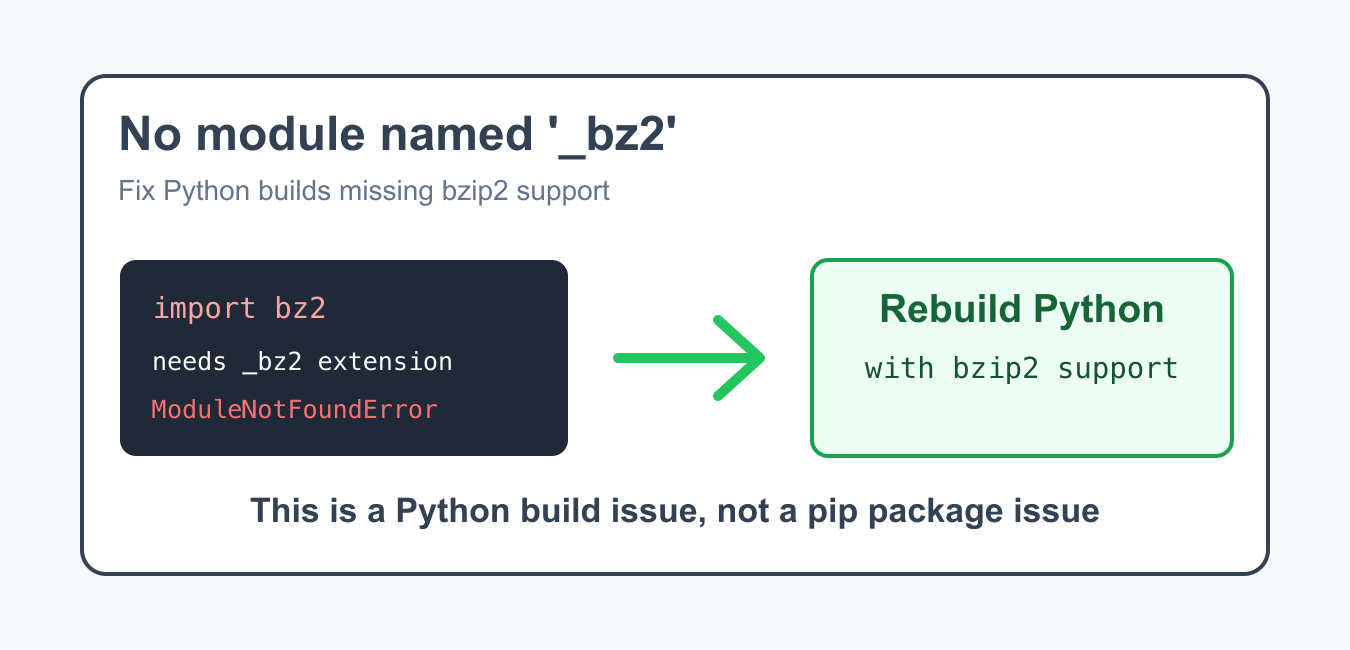
Fix the _bz2 import error by verifying the running Python build and environment instead of installing a private package with pip.
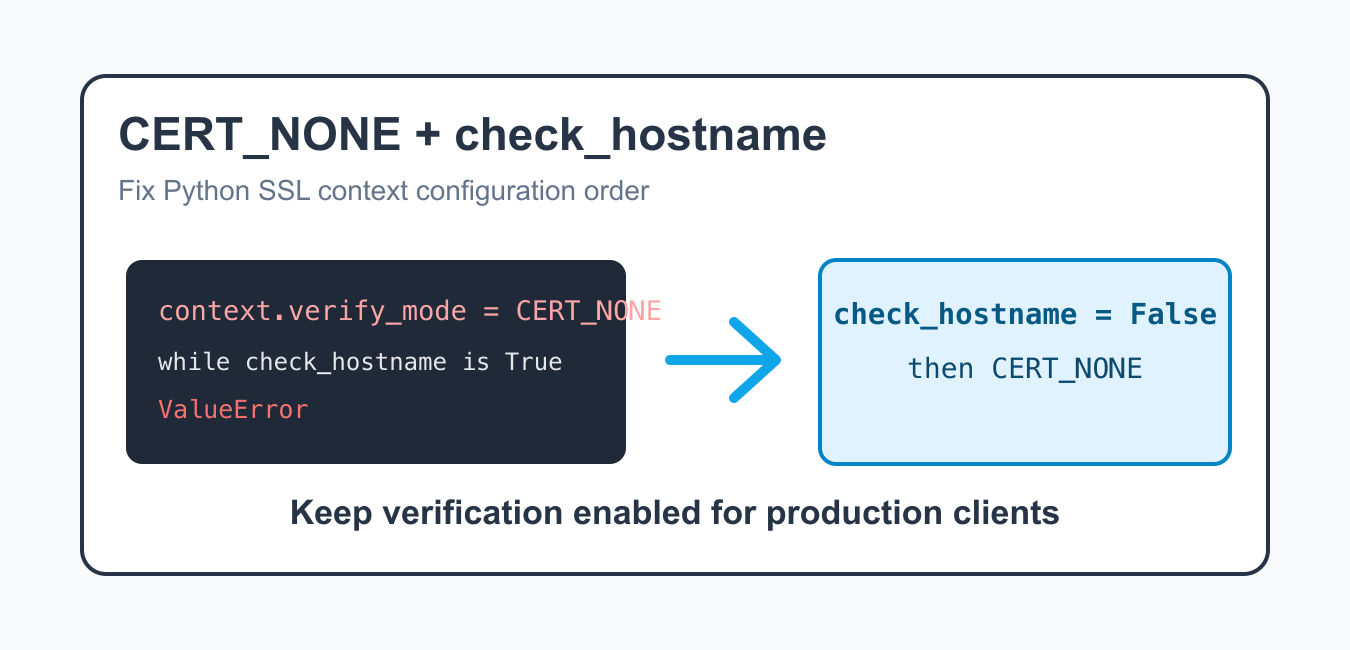
Fix the Python SSL verify_mode and check_hostname conflict by using secure certificate verification in production or explicitly disabling hostname checks only in an isolated test context.
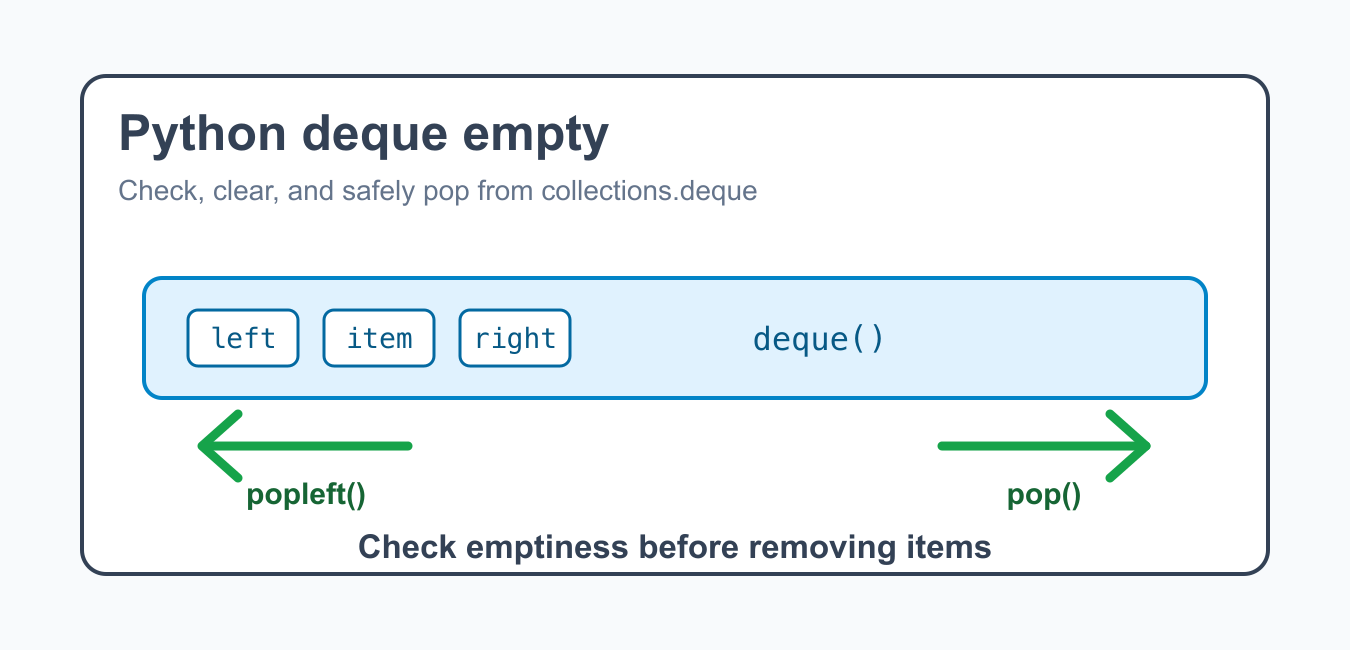
Handle an empty Python deque safely with bool, len, peek patterns, popleft, append, and queue workflows that avoid IndexError.

Understand why Python’s crypt module is unavailable on Windows and choose portable password hashing, authentication libraries, or operating-system alternatives.