No Module Named NumPy: Fix ModuleNotFoundError
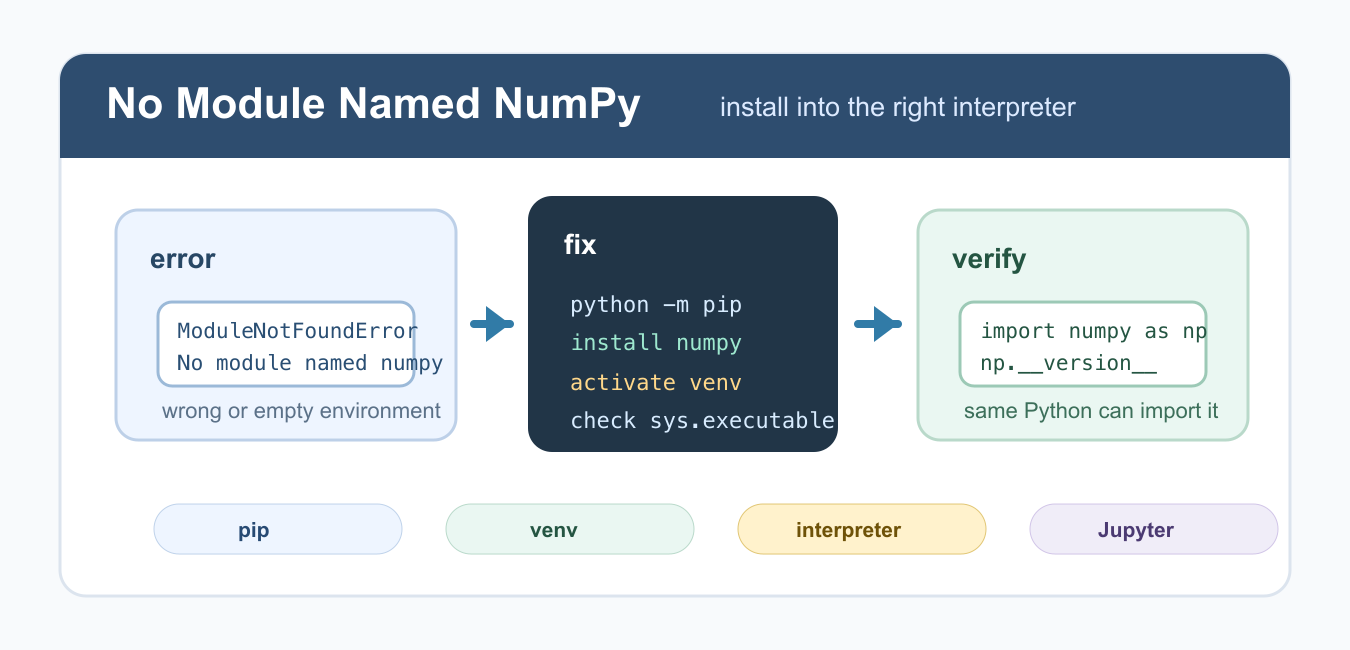
Fix No module named NumPy by installing it in the active interpreter, checking virtual environments, IDEs, Jupyter kernels, and file names.
Learn NumPy with array operations, random sampling, math functions, shapes, dtypes, plotting examples, and fixes for common NumPy errors.
Fix No module named NumPy by installing it in the active interpreter, checking virtual environments, IDEs, Jupyter kernels, and file names.
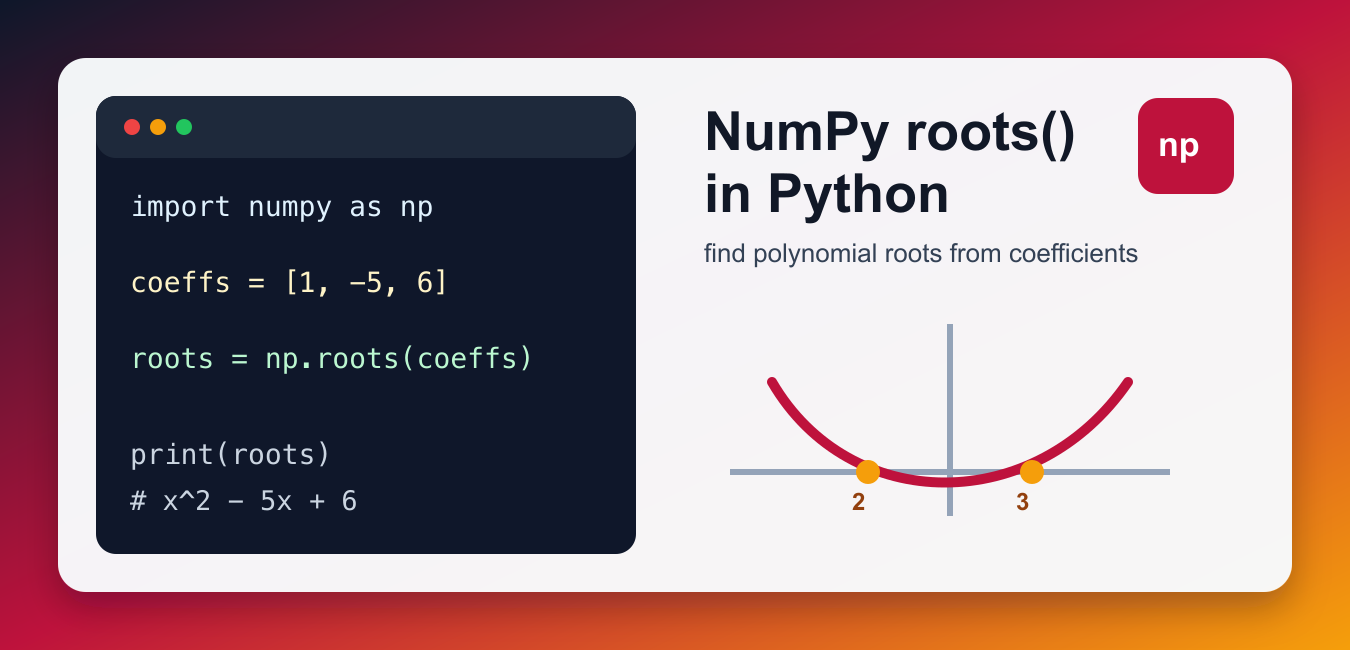
Use NumPy roots() with coefficient order, real and complex solutions, polynomial verification, conditioning, and newer polynomial APIs.
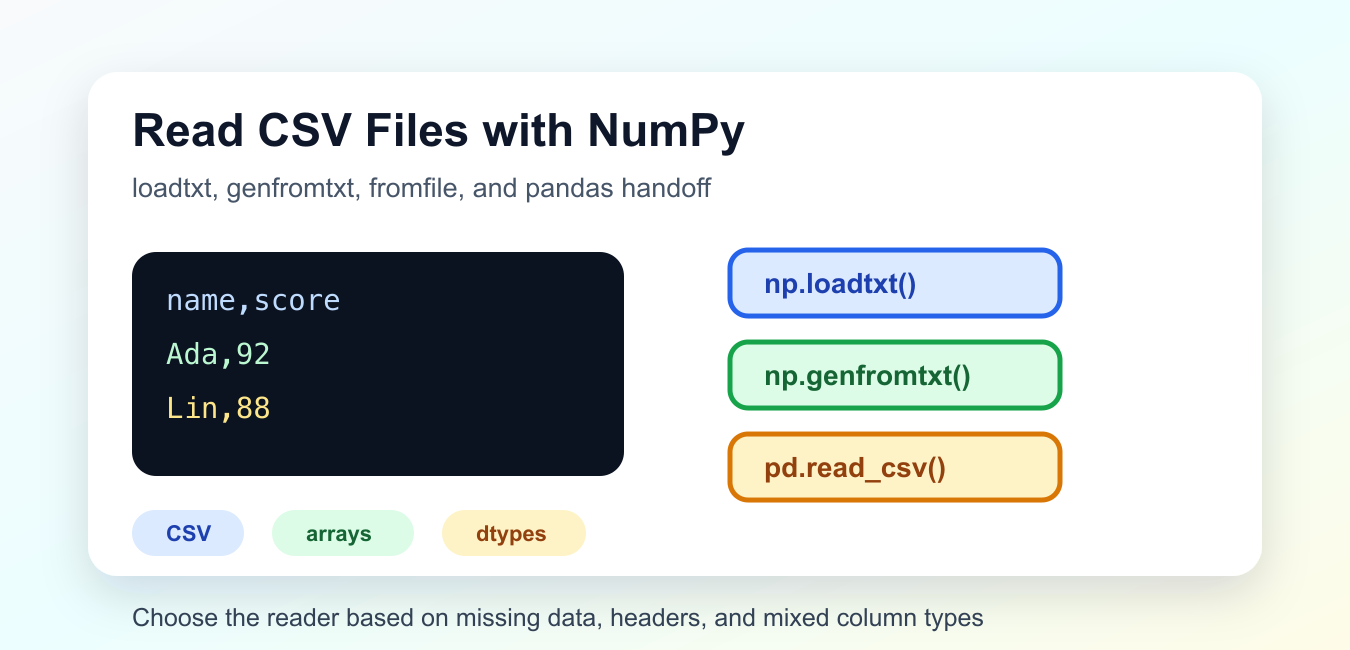
Read CSV files with NumPy loadtxt() and genfromtxt(), handle headers and missing values, choose dtypes, and know when to use pandas.

Use NumPy count_nonzero() to count true values, threshold matches, and nonzero elements across an array or selected axes.
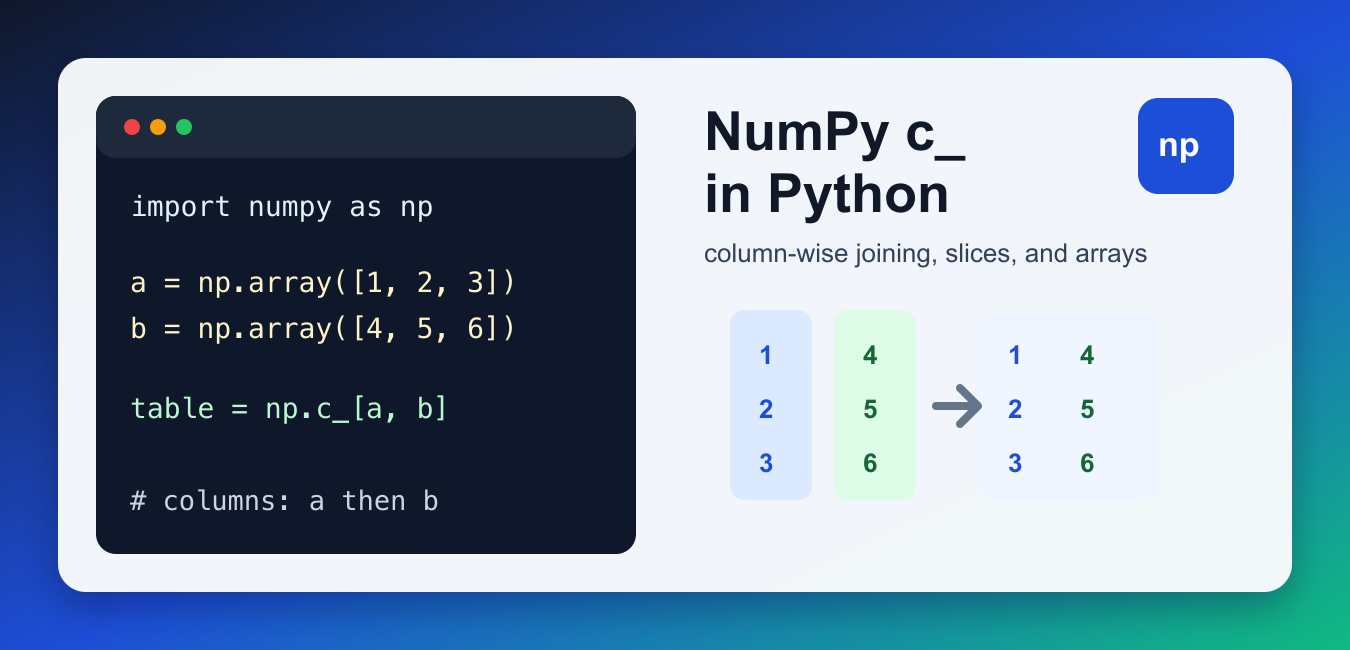
Use NumPy c_ for compact column-wise array construction, then compare its shape behavior with column_stack, r_, and concatenate.

Use NumPy cov() to calculate covariance, choose rowvar correctly, align observations, distinguish covariance from correlation, and interpret the matrix.
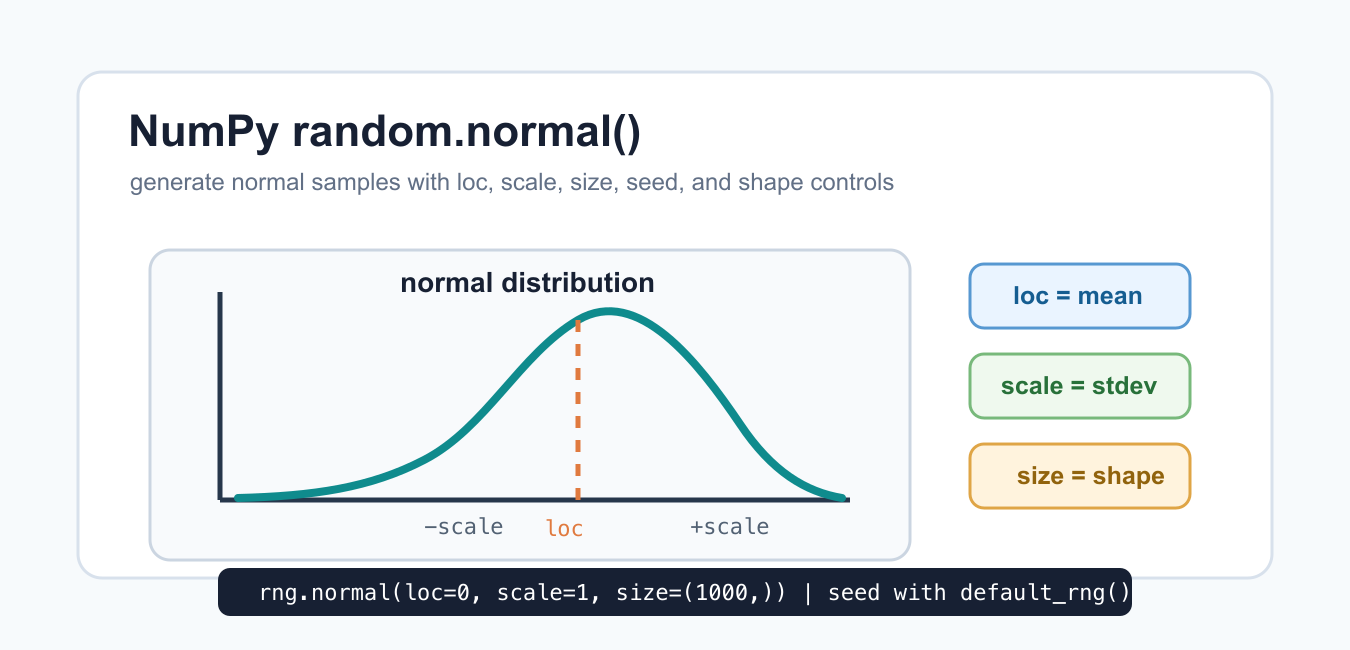
Generate NumPy normal-distribution samples with an explicit Generator, then validate shape, spread, reproducibility, and modeling assumptions.
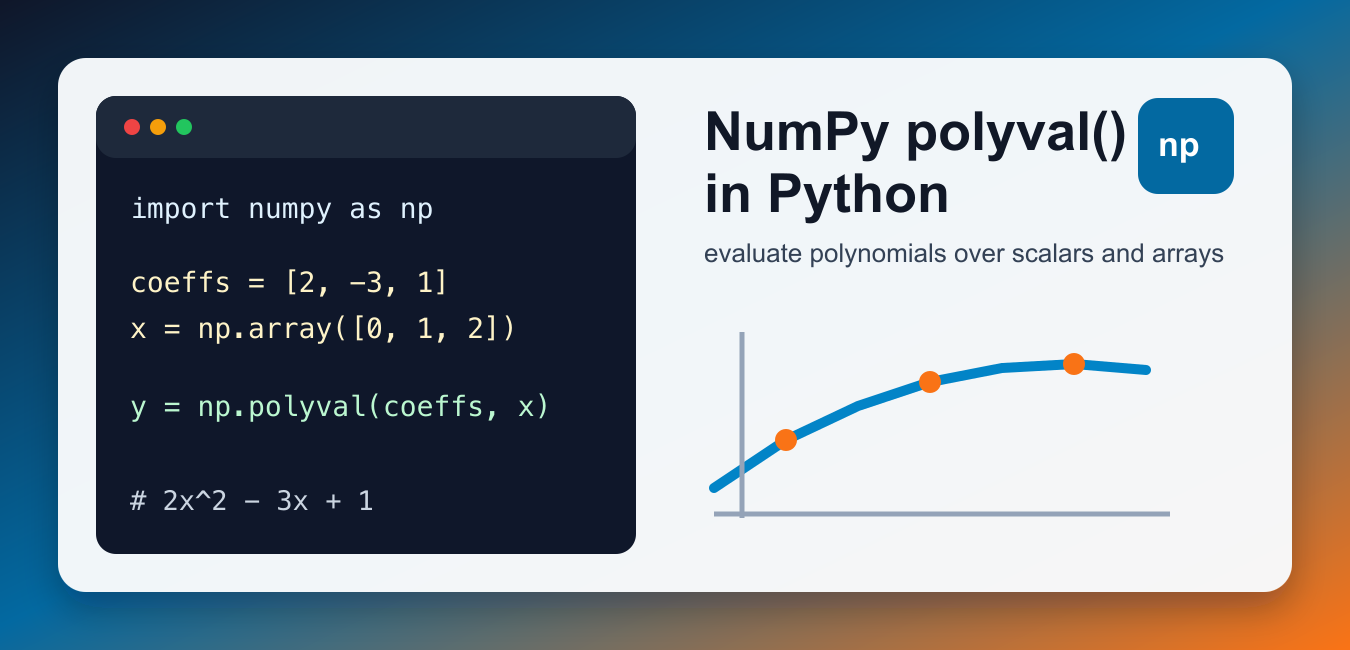
Use NumPy polyval to evaluate polynomials, understand coefficient order, vectorized inputs, polynomial fitting, and numerical stability.

Use NumPy cumsum() for running totals with axis, dtype, out, flattening, integer overflow, floating-point precision, and NaN guidance.
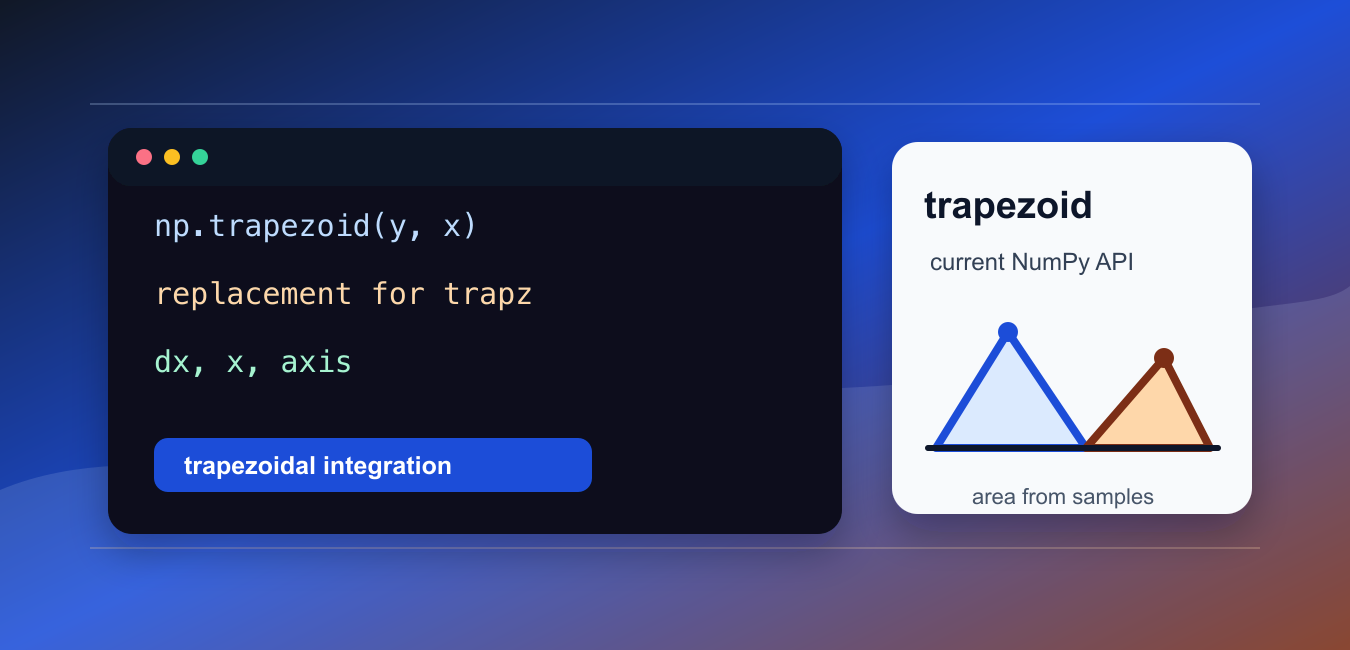
Update NumPy trapz integrations to np.trapezoid, with examples for sample positions, equal spacing, axes, and compatibility planning.