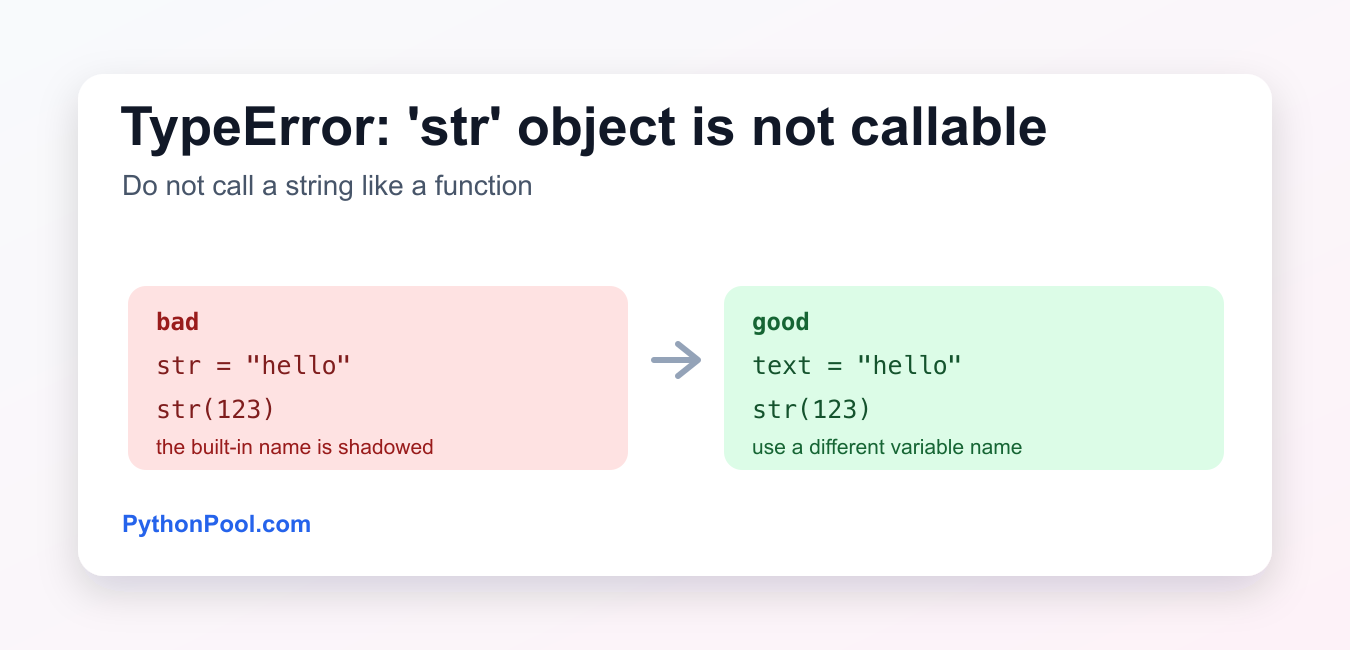
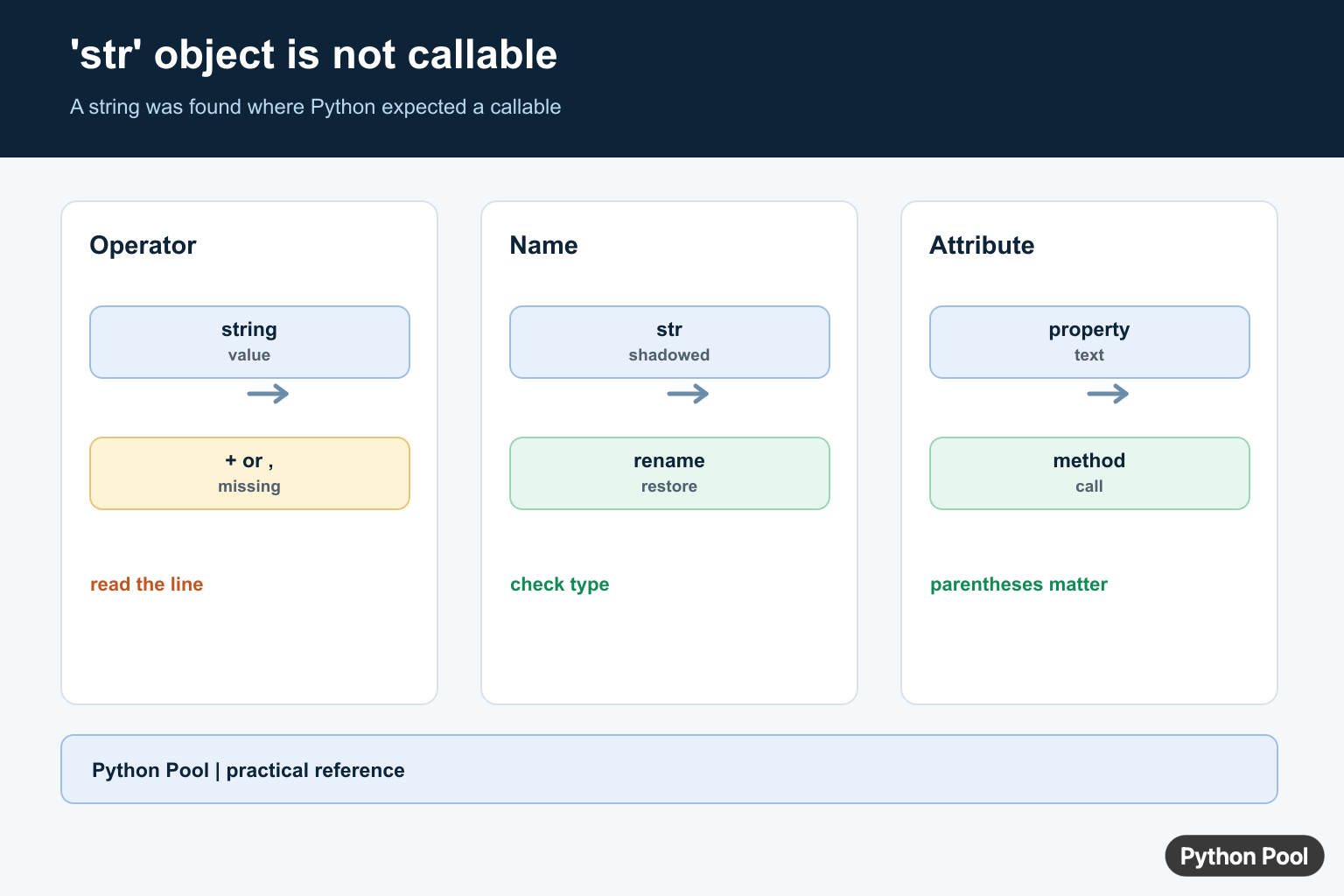
Quick answer: The error means Python found a string where your code attempted a call. Inspect the expression immediately before the parentheses, then check for a missing operator, a shadowed name, or a string-valued property being called like a method.
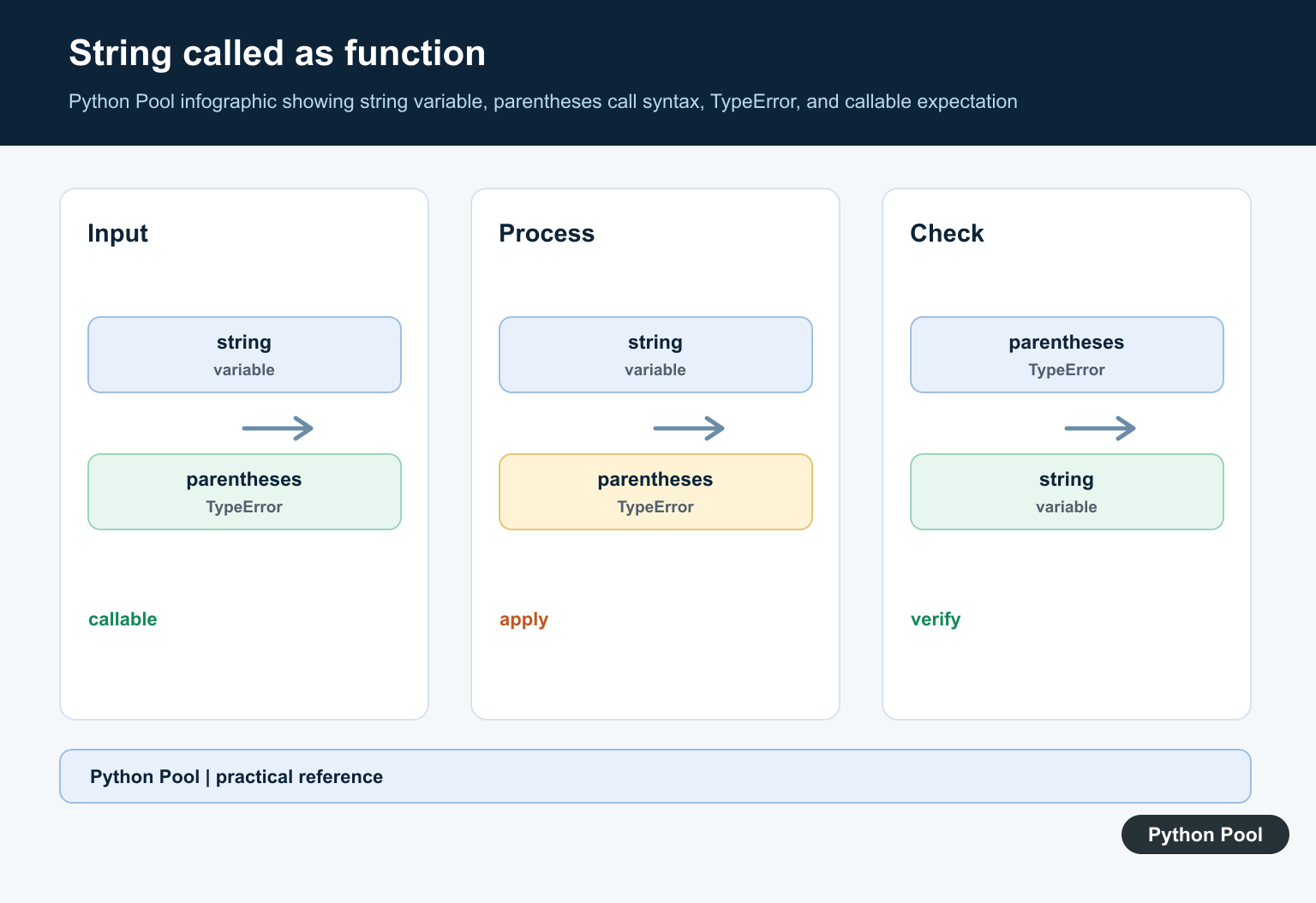
TypeError: ‘str’ object is not callable means Python tried to call a string like a function. Parentheses call functions and other callable objects. A normal string value such as "hello" is data, not something you can call.
The most common causes are shadowing the built-in str() function, missing a string-formatting operator, or using parentheses where indexing or formatting was intended.
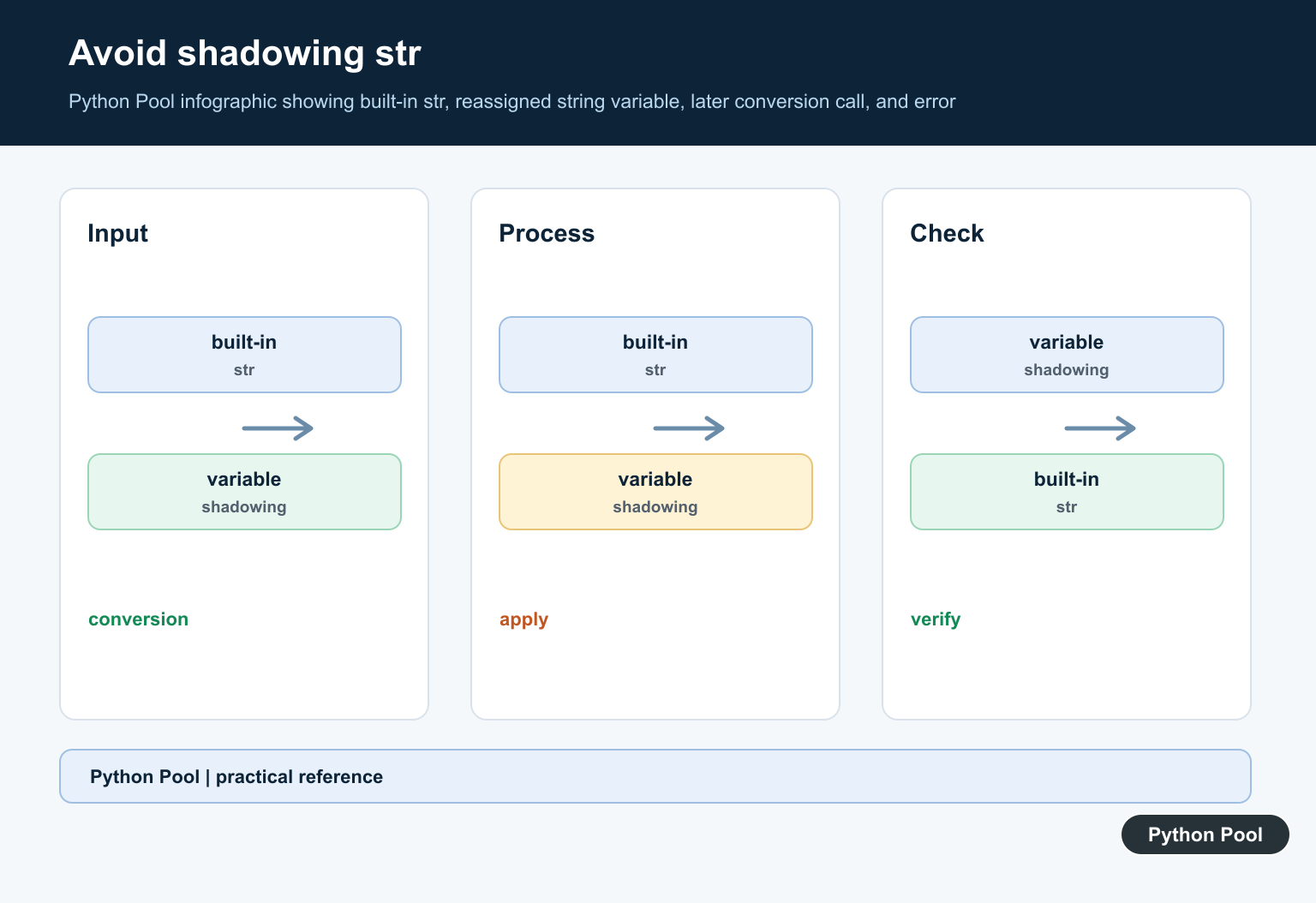
Shadowing the str built-in
str = "hello"
value = str(123)
This raises:
TypeError: 'str' object is not callableThe variable named str now points to a string, so str(123) tries to call that string instead of Python’s built-in str() function.
Fix by renaming the variable
text = "hello"
value = str(123)
print(value)
Avoid naming variables after built-ins such as str, list, dict, sum, input, or type. Use descriptive names such as text, items, or total.
Missing % in old string formatting
Another common cause is forgetting the % operator in printf-style string formatting:
name = "Asha"
score = 95
text = "%s scored %s" (name, score)
Python reads this as trying to call the string "%s scored %s" as a function. Add the % operator or use an f-string:
text = "%s scored %s" % (name, score)
text = f"{name} scored {score}"
F-strings are usually clearer for new Python code.
Check with callable()
callable() tells you whether an object can be called with parentheses:
formatter = str
label = "not a function"

print(callable(formatter))
print(callable(label))
The built-in str function is callable. A string value is not.
Restart or delete the shadowed name
In notebooks and interactive shells, shadowing str can keep causing errors until the name is removed or the kernel is restarted:
str = "hello"
del str
print(str(123))
In normal scripts, the better fix is to rename the variable and rerun the program from the start.
Method and attribute name collisions
This error can also happen when an attribute that stores a string has the same name as a method you expect to call. After the string is assigned, parentheses try to call the string value.
class Report:
    def title(self):
        return "monthly"

report = Report()
report.title = "monthly"
report.title()  # TypeError
Use different names for data attributes and methods, such as title_text for the string and get_title() for the method.
Parentheses vs brackets
Use square brackets to index a string. Parentheses call an object as a function.
text = "Python"

print(text[0])  # P
text(0)         # TypeError
If the goal is to get a character, slice, or index from a string, use brackets: text[0], text[:3], or another string method such as text.startswith("Py").
How to find the overwritten name
If the error starts after several lines of code, search for assignments to the name you are trying to call. For example, str = "hello" overwrites the built-in name in the current scope. In a script, rename the variable and rerun the program. In a notebook, run del str or restart the kernel after renaming it.
import builtins

str = "hello"
print(globals()["str"])
print(builtins.str(123))
del str
The builtins module can help you confirm that the real built-in still exists, but it is not a substitute for fixing the variable name.
Quick checklist
- Look for a variable named
strand rename it. - Check whether a string is followed by parentheses, such as
"text"(...). - Add the missing
%operator if using old string formatting. - Prefer f-strings for modern formatting.
- Use
callable(value)when debugging whether an object can be called.
Related Python guides
- Python callable()
- TypeError: tuple object is not callable
- TypeError: list object is not callable
- TypeError: int object is not callable
- Unmatched f-strings in Python
- Python string length
Official references
- Python TypeError documentation
- Python str() documentation
- Python callable() documentation
- Python printf-style string formatting
- Python identifiers documentation
Conclusion
To fix TypeError: 'str' object is not callable, find where a string is being used with parentheses. Rename variables that shadow str, add missing formatting operators, and use f-strings or clear function names so Python calls only actual callable objects.
Find The Accidental Call
Parentheses after a string are interpreted as a function call. If the value is text, add the intended operator or remove the parentheses. A missing plus sign, comma, or attribute boundary is often visible on the line named in the traceback.
message = "Python"

# Wrong: message(" Pool")
full = message + " Pool"
print(full)
Check For Shadowed Built-ins
Assigning a string to a function name changes what the current scope resolves. The same problem can affect str, input, len, or an imported helper. Rename the variable and restart a long-lived interpreter if an old binding remains in memory.
str = "text"

# Wrong: str(42)
text = "42"
print(text)

del str
print(str(42))
Distinguish A Property From A Method
A property or attribute can return a string, while a method is callable. Read string-valued attributes without parentheses, and call methods with the argument list they document. When unsure, print type(value) and inspect the class definition.
class User:
    def __init__(self, name):
        self.name = name

user = User("Karan")
print(user.name)
print(user.name.upper())
Python’s call expression reference explains why parentheses require a callable object, while str() documents the built-in conversion function.
For related call-expression debugging, compare keyword arguments, f-string syntax, and method-object errors when the traceback points at punctuation.
Frequently Asked Questions
What causes ‘str’ object is not callable in Python?
Common causes include writing a string next to parentheses, shadowing str or another function with a string, and calling a string-valued attribute as if it were a method.
How do I fix a missing operator before a string?
Add the intended operator, comma, or method call, such as ‘+’ for concatenation or a comma between print arguments.
How do I undo shadowing the str name?
Rename the variable, restart the interpreter if necessary, and use the built-in str only after the shadowing binding has been removed.
Why can a property cause this error?
A property may return a string, so calling `object.name()` is wrong when the value should be read as `object.name`.