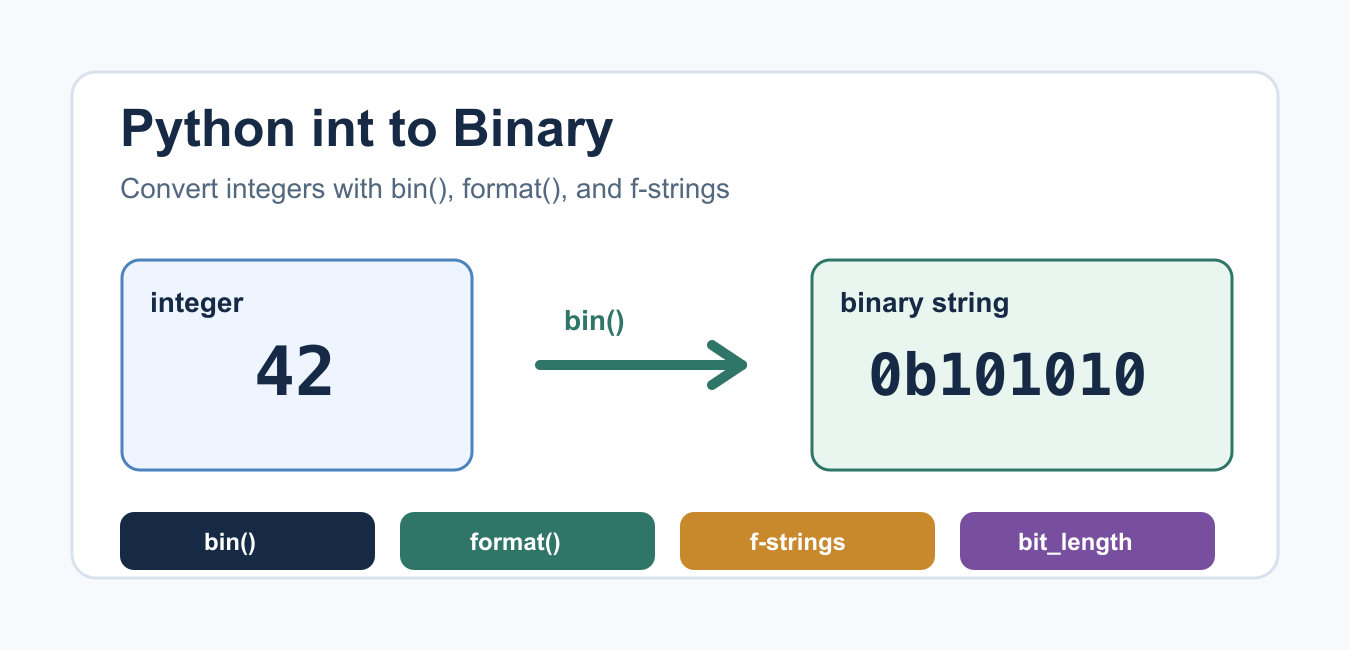
Quick answer: Use bin(number) when you want a 0b-prefixed representation, format(number, ‘b’) for digits only, and an f-string when binary output is part of a larger message. Width specifiers add predictable leading zeros.
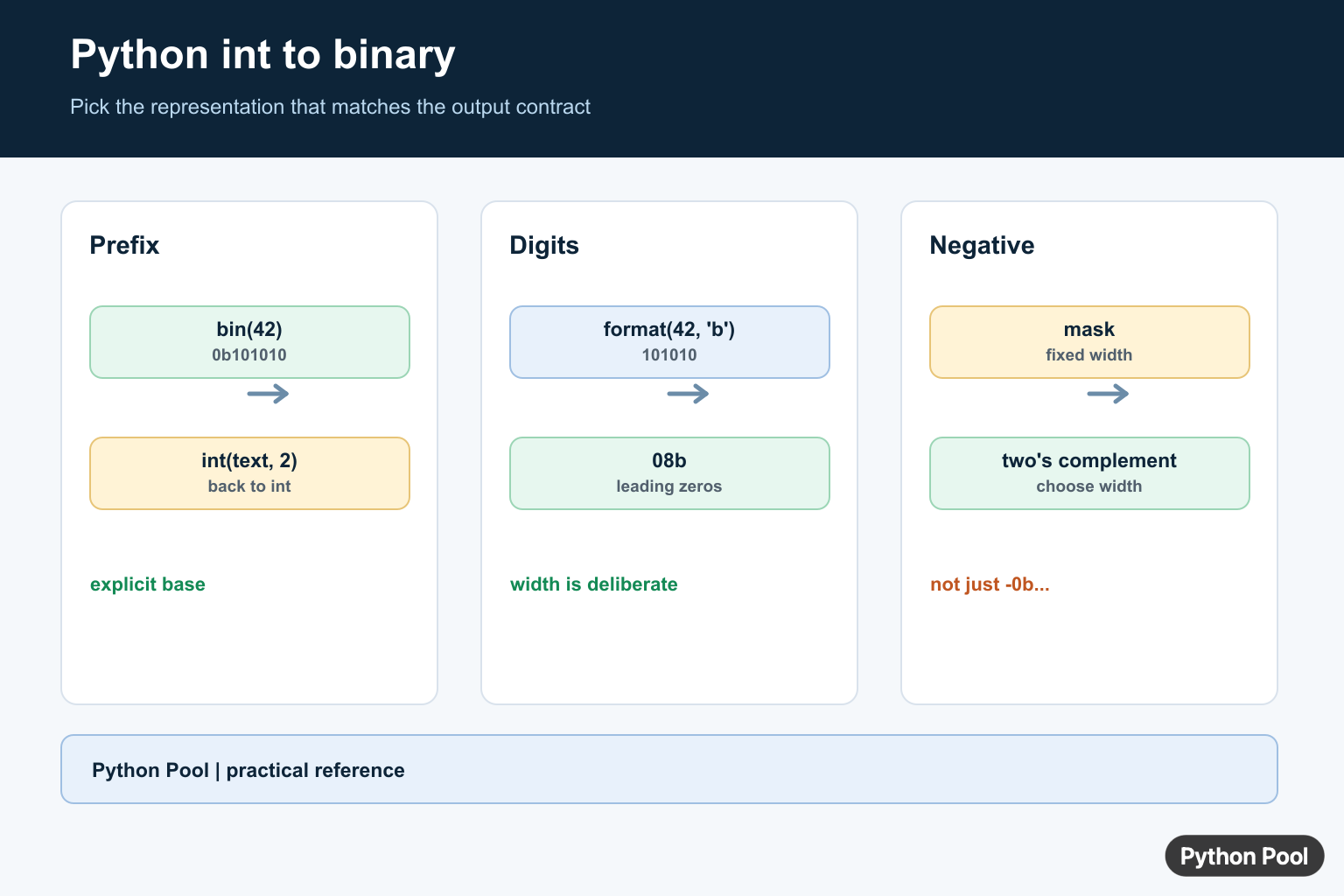
To convert an integer to binary in Python, use bin(number) when you want the 0b prefix, or format(number, "b") when you want only the binary digits.
Binary strings are useful for bit flags, masks, teaching number systems, debugging low-level values, and displaying integer data in a compact base-2 form. Python gives you several built-in ways to do this without writing your own conversion loop.
Quick Answer
Use bin() for the simplest integer-to-binary conversion. Python documents it in the official bin() reference.
number = 42
binary = bin(number)

print(binary)
This prints 0b101010. The 0b prefix shows that the string is written in base 2. Keep the prefix when the output may be read beside decimal, hexadecimal, or octal values.
Convert int to Binary Without the 0b Prefix
Use format(number, "b") when you need only the binary digits. Python documents the built-in format() function.
number = 42
binary = format(number, "b")

print(binary)
This prints 101010. It is often the cleaner choice for reports, file names, compact output, and UI labels where the prefix would be noise.
Use f-strings for Binary Formatting
Formatted string literals can use the same binary format specifier. Python’s reference documents f-strings as part of lexical analysis.
number = 42

print(f"{number:b}")
print(f"{number:#b}")
The first line prints binary digits without the prefix. The second line includes the alternate form, so the result includes 0b. Use this when binary output is part of a sentence, log message, or formatted table row.
Pad Binary Strings with Leading Zeros
Use a width in the format specifier when the binary string must have a fixed length. This is common for byte displays, bit masks, flags, and teaching examples. Formatting an integer as binary text differs from packing fixed-width bytes; Python struct.pack() Format Guide explains the struct format codes and byte output. Formatted binary text is enough for display; Python Bitstring Module Examples is useful when code must parse, slice, and pack binary fields by bit position.
number = 5

print(format(number, "08b"))
print(f"{number:08b}")
Both lines print 00000101. The 8 is the minimum width, and the 0 means pad with zeros on the left. Change the width to 016b or 032b when you need 16-bit or 32-bit output. The official format specification mini-language reference covers these width and padding rules. For sign-aware zero padding of numeric strings rather than a fixed binary format width, Python zfill() String Padding Guide explains zfill() and alternatives.
Handle Negative Integers
bin() and format() preserve the negative sign. They do not automatically produce a fixed-width two’s-complement representation.
number = -10

print(bin(number))
print(format(number, "b"))
This prints values like -0b1010 and -1010. If you need a fixed-width representation, mask the value to the desired number of bits.
number = -10
bits = 8
masked = number & ((1 << bits) - 1)

print(format(masked, "08b"))
This prints the 8-bit masked form. Be explicit about the bit width so readers know whether the value is meant to be 8-bit, 16-bit, 32-bit, or another size.
Manual Conversion with Division
You rarely need to write this manually, but the algorithm is useful for learning. Repeatedly divide by 2, keep each remainder, then reverse the remainders.
def int_to_binary(number):
    if number == 0:
        return "0"

    digits = []
    while number > 0:
        digits.append(str(number % 2))
        number //= 2

    return "".join(reversed(digits))

print(int_to_binary(42))
For ordinary production code, prefer bin(), format(), or f-strings. For integer division behavior, see PythonPool’s integer division in Python guide.
Find the Number of Bits
int.bit_length() returns the number of bits needed to represent an integer’s absolute value in binary. Python documents it in the int.bit_length() reference.
number = 42

print(number.bit_length())
print(format(number, "b"))
This helps when choosing padding widths or checking whether a number fits into a fixed-size field. If you are exploring integer limits, PythonPool’s Python max int guide is a useful follow-up.
Common Mistakes
- Using
bin()when the output must not include0b. - Forgetting that negative numbers are shown with a minus sign unless you apply a fixed-width mask.
- Padding after adding the prefix instead of padding the binary digits themselves.
- Converting user input directly without validating that it is an integer first.
- Writing a manual conversion loop for production code when a built-in formatter is clearer.
If the number comes from user input, validate or convert it deliberately before formatting. PythonPool’s check if a string is integer and Python user input guides cover the input side of that workflow.
Which Method Should You Use?
- Use
bin(number)when the0bprefix is helpful. - Use
format(number, "b")when you want only binary digits. - Use
f"{number:b}"when embedding binary output inside a larger string. - Use
08b,016b, or another width when padding is required. - Use
bit_length()when deciding how many bits a value needs.
FAQs
How do I convert an int to binary in Python?
Use bin(number). It returns a string with the 0b prefix.
How do I remove the 0b prefix?
Use format(number, "b") or f"{number:b}". Both return only the binary digits.
How do I convert a negative int to binary?
bin(-10) returns a signed string like -0b1010. For fixed-width binary, mask the value to the width you want.
Choose The Representation
Python integers have arbitrary precision, so conversion does not overflow at a fixed machine width. bin returns a string with 0b, while format and f-strings let you choose the base and presentation. Keep the numeric value separate from its display form when the binary text is only for logs or a UI.
number = 42

print(bin(number))
print(format(number, "b"))
print(f"value={number:b}")
Padding And Prefixes
A width such as 08b means binary digits padded to eight characters. The width includes the digits, not the 0b prefix when you add that prefix yourself. Use a clear mask or width policy when the output represents a protocol field or byte rather than an arbitrary integer.
number = 5

digits = format(number, "08b")
print(digits)
print("0b" + digits)
Negative And Reverse Conversion
Negative integers are formatted with a minus sign rather than as a fixed-width two’s-complement bit pattern. For a width-limited representation, mask first. Convert binary text back with int(value, 2), which understands an optional 0b prefix when base 0 is used.
value = -5
width = 8
unsigned_bits = value & ((1 << width) - 1)
print(format(unsigned_bits, f"0{width}b"))
print(int("0b101010", 0))
Python’s bin() and format() references define the conversion behavior used here.
For related Python representation work, compare bytes and strings, multiline strings, and the exponent operator when choosing a readable expression.
Frequently Asked Questions
How do I convert an integer to binary in Python?
Call bin(number) for a string beginning with 0b, or format(number, ‘b’) when you want the binary digits without the prefix.
How do I add leading zeros to binary output?
Use a format width such as format(number, ’08b’) or an f-string such as f'{number:08b}’.
Can Python convert negative integers to binary?
bin(-5) returns ‘-0b101’; for a fixed-width two’s-complement representation, mask the value with (1 << width) - 1 before formatting.
How do I convert binary text back to an integer?
Pass the text to int(value, 2), optionally after removing a 0b prefix or surrounding whitespace.