Python Scientific Notation: e Notation, Formatting, and Conversion
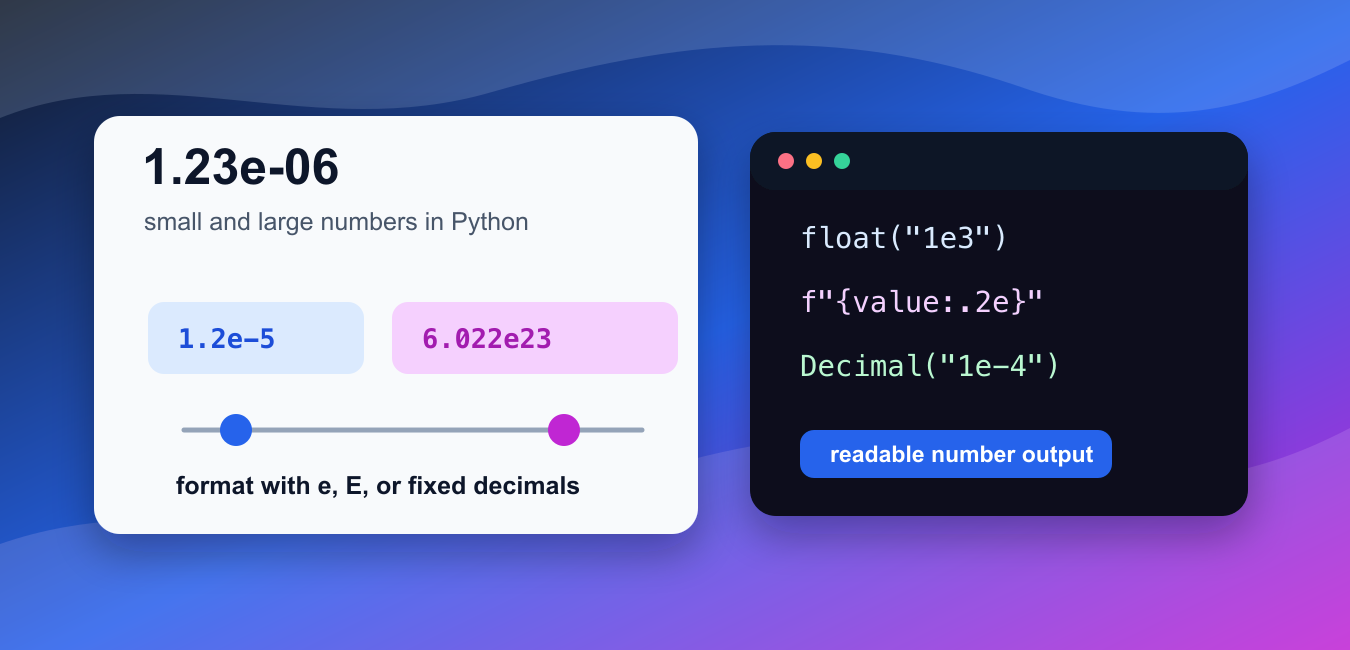
Write and format Python scientific notation with e or E, while keeping display precision separate from the underlying numeric type.
Browse practical Python tutorials, error fixes, library guides, data science examples, and project ideas from Python Pool.
Write and format Python scientific notation with e or E, while keeping display precision separate from the underlying numeric type.

Calculate element-wise square roots with NumPy, while choosing a domain policy for negative values, complex results, dtypes, and broadcasting.

Use NumPy any() to test whether array values are true with axis, keepdims, where, out, NaN behavior, and boolean masks.

Use NumPy gradient to estimate derivatives on evenly or unevenly spaced data, control edge handling, and avoid axis and spacing mistakes.
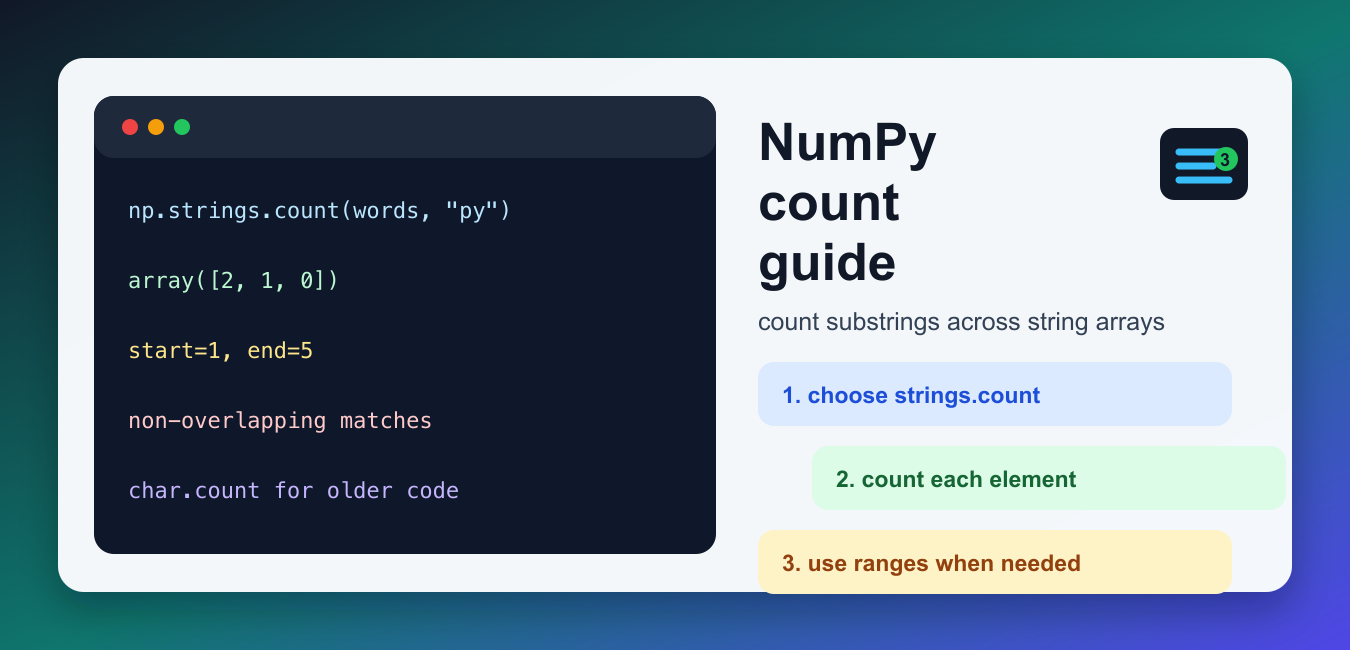
Count non-overlapping substrings in NumPy string arrays with strings.count(), legacy char.count(), start and end ranges, and masks.
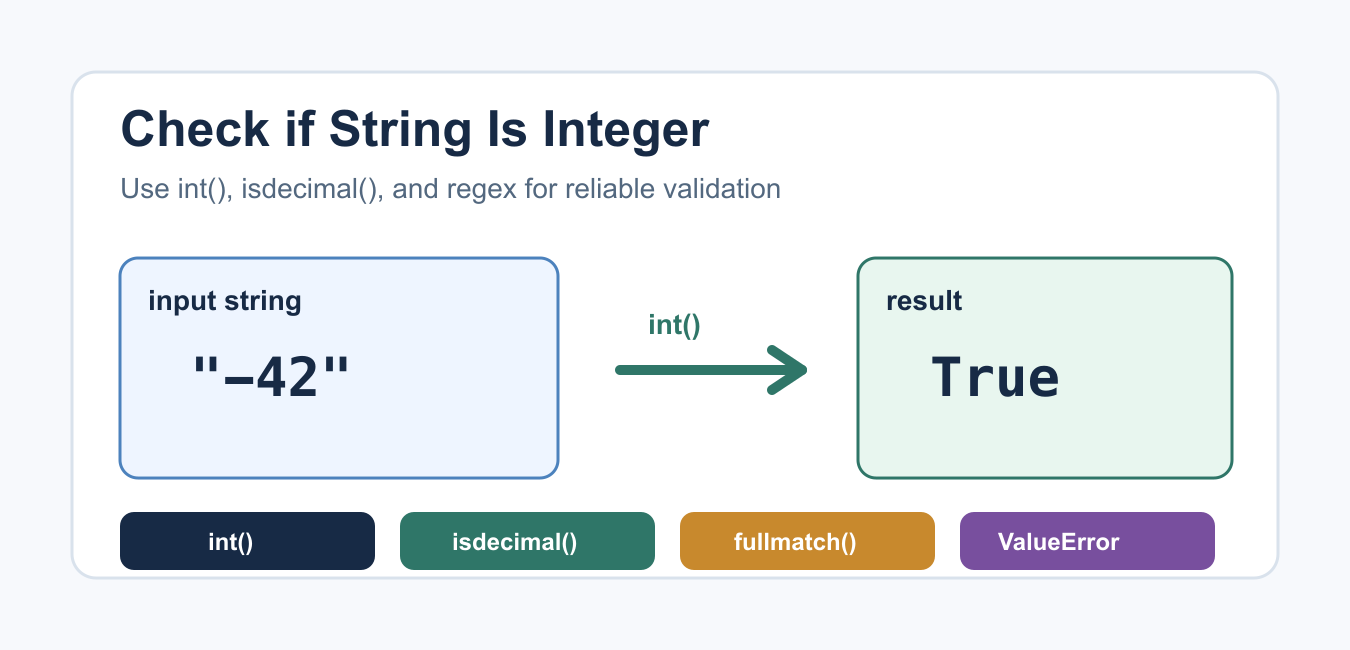
Validate integer text with int() and ValueError, or choose digit methods and regex when the input policy is narrower.
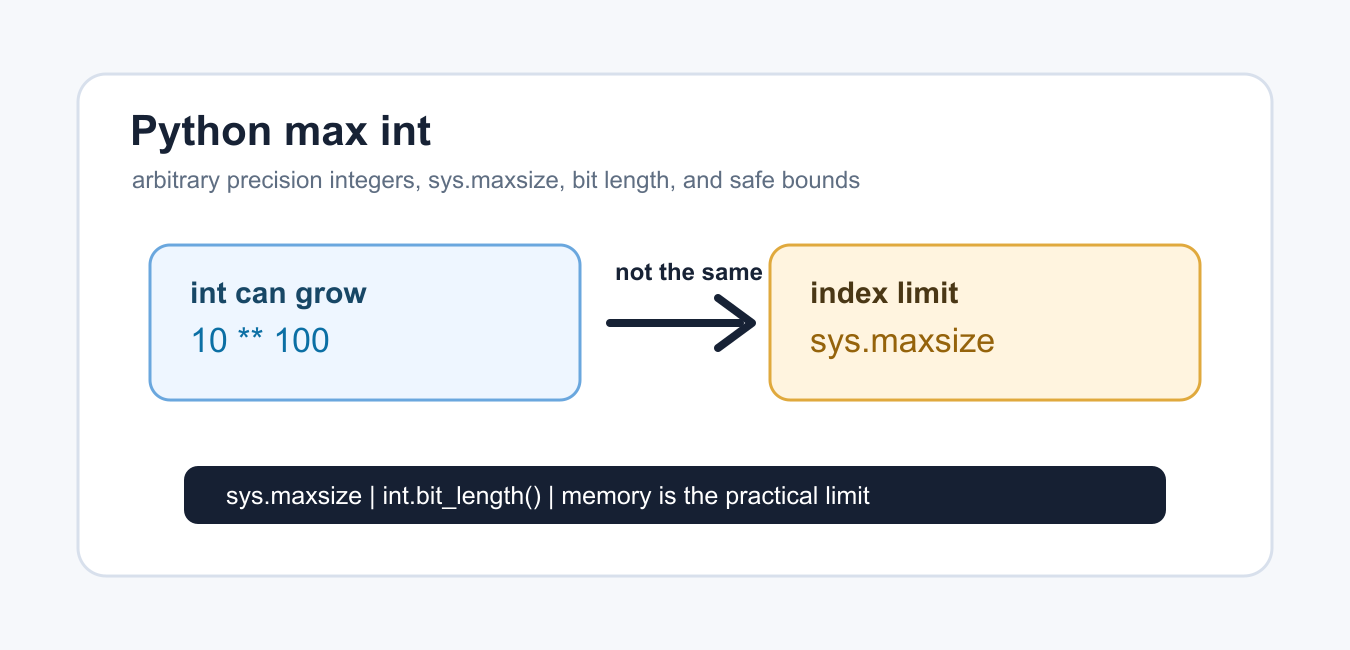
Python integers grow to the available memory limit; learn why sys.maxsize is not the maximum int and how to inspect bit length.

Use NumPy divide for element-wise division with broadcasting, zero and invalid-value handling, dtype control, where masks, and numerical tests.
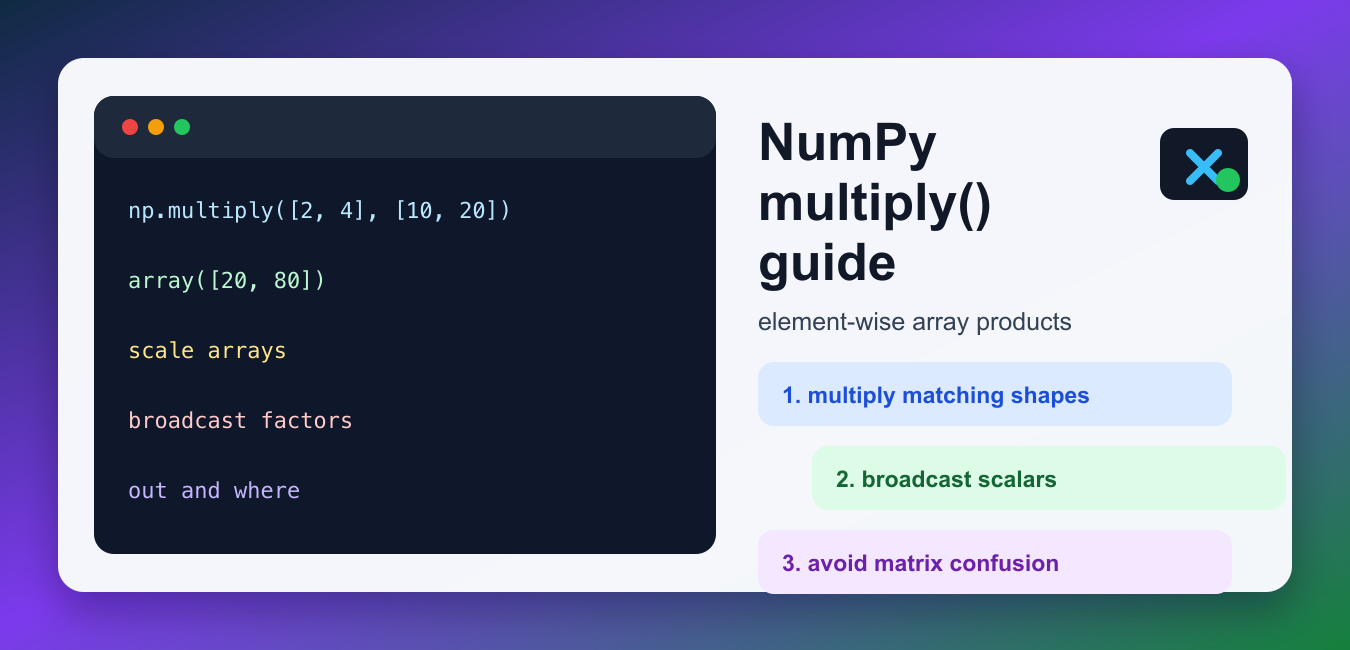
Use numpy.multiply for elementwise products with broadcasting, masks, output arrays, integer and floating-point dtypes, and validation.
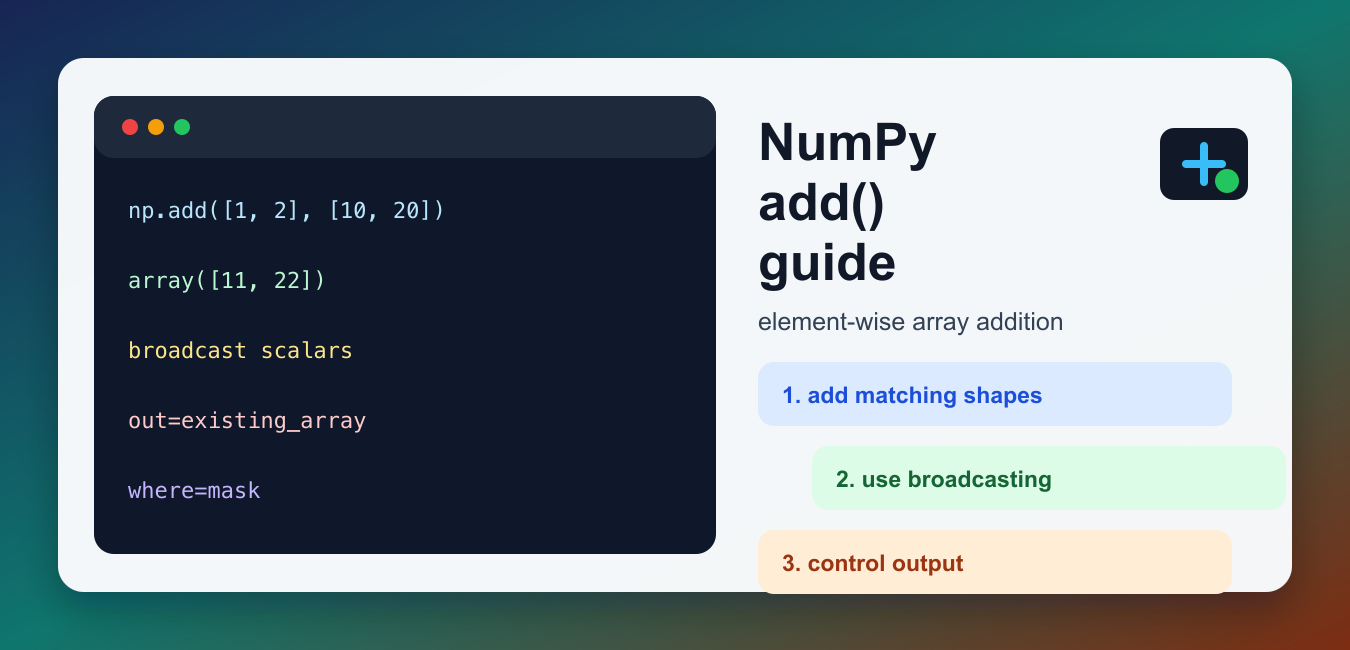
Use NumPy add for element-wise array addition with broadcasting, dtype promotion, output control, masks, overflow, and reliable tests.