
Quick answer: PyAthena is a Python DB API 2.0 client for Amazon Athena. A reliable setup supplies an S3 staging directory and AWS region, obtains credentials through the normal AWS credential chain, executes parameterized queries, consumes the cursor deliberately, and monitors scanned data and stored results. Do not hard-code access keys or treat Athena as a low-latency transactional database.
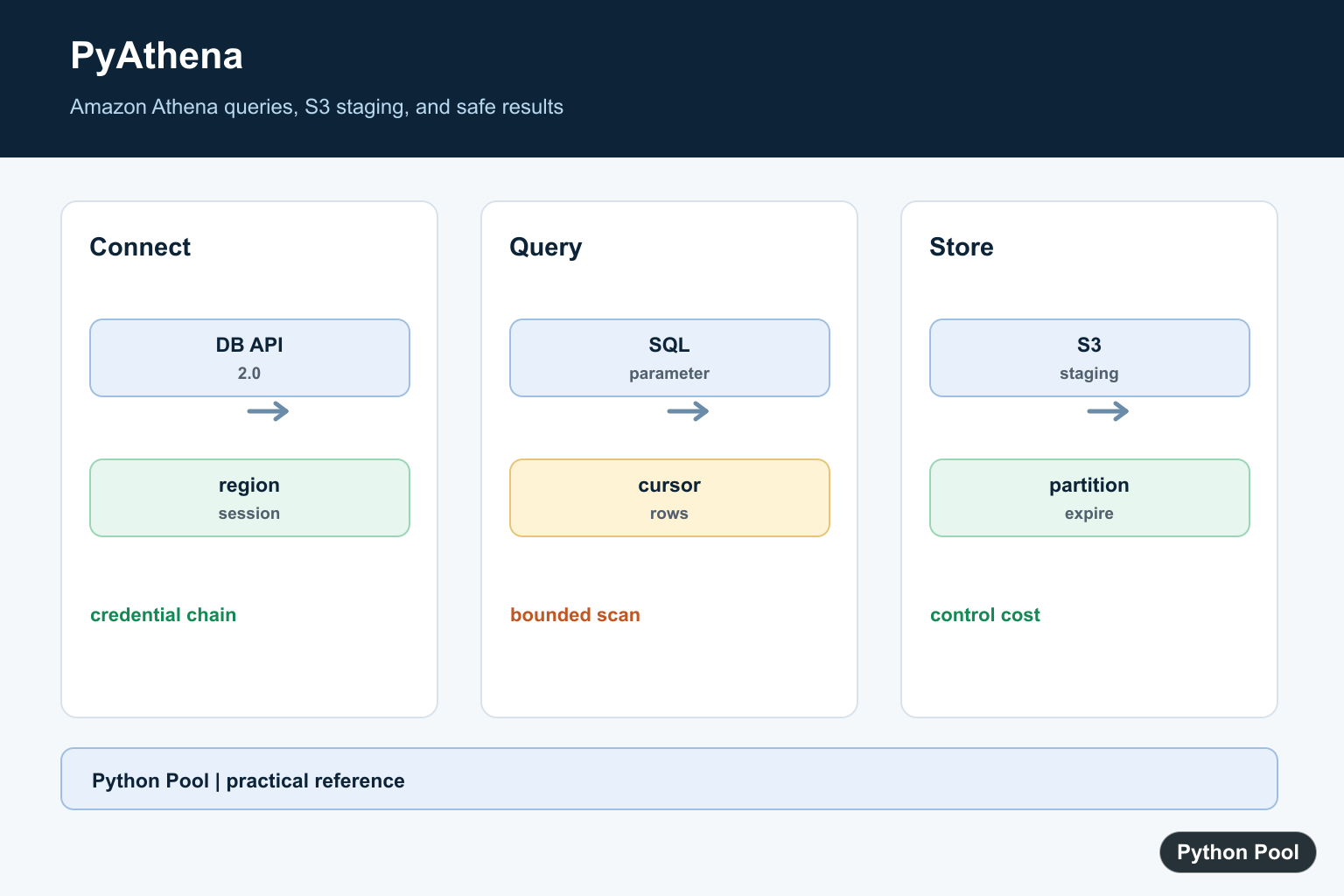
The PyAthena library connects Python code to Amazon Athena with a familiar database cursor interface. PyAthena is useful when an analytics job, notebook, data quality check, or reporting script needs to run Athena SQL without driving the AWS console by hand.
Officially, the current PyAthena documentation describes the project as a Python DB API 2.0 client for Amazon Athena. The PyAthena introduction also lists current Python support and optional extras for SQLAlchemy, pandas, Arrow, Polars, and related cursor types. Install the base package with python -m pip install PyAthena, then add an extra such as PyAthena[Pandas] or PyAthena[SQLAlchemy] only when your project needs it.
PyAthena does not remove the normal Athena setup requirements. The AWS identity still needs permission to use Athena, read the source data, use the AWS Glue Data Catalog if your tables depend on it, and write query results to the configured S3 location. AWS documents that Athena query result location can come from workgroup settings or from client-side settings such as the OutputLocation sent to the API. If that foundation is missing, a Python script will fail even when the import succeeds.
For credential discovery, PyAthena follows Boto3 behavior, so the Boto3 credentials guide is the right reference.
Check The Installed Package
Start by confirming whether the active interpreter can see PyAthena. This avoids debugging an Athena error when the real issue is that the package was installed into a different Python environment.
from importlib.metadata import PackageNotFoundError, version
from importlib.util import find_spec

try:
    print("PyAthena version:", version("PyAthena"))
except PackageNotFoundError:
    print("PyAthena is not installed in this interpreter.")

print("import package visible:", find_spec("pyathena") is not None)
If the package is missing, install it through the same interpreter that runs the script. In notebooks, restart the kernel after installation so the new package can be imported cleanly.
Do not treat the package version as the only compatibility check. Athena features also depend on workgroup settings, engine version, table format, S3 permissions, and the cursor class used by your Python code.
Plan Connection Settings
A basic PyAthena connection usually needs an AWS Region and either an S3 staging directory or a workgroup that manages query result storage. Keep these settings explicit so production jobs are reviewable.
def build_athena_settings(
    region_name="us-east-1",
    staging_dir="s3://example-bucket/athena-results/",
    work_group="primary",
):
    if staging_dir and not staging_dir.startswith("s3://"):
        raise ValueError("staging_dir must be an s3:// path")
    return {
        "region_name": region_name,
        "s3_staging_dir": staging_dir,
        "work_group": work_group,
    }

settings = build_athena_settings()
print(settings["region_name"])
print(settings["s3_staging_dir"].startswith("s3://"))
Use a dedicated result prefix rather than mixing query output with source data. That makes cleanup, lifecycle rules, and access review easier. The AWS guide on Athena query result locations is worth reading before sharing code with a team.
If your workgroup uses managed query result storage, the PyAthena usage docs explain that you may not need a customer S3 staging directory. In that setup, be deliberate about whether a shell-level AWS_ATHENA_S3_STAGING_DIR name should be ignored by passing s3_staging_dir="".
Open A Connection Safely
The next example shows the shape of a connection helper without opening a real network connection by default. It only attempts the connection when an explicit local flag is set.
import os

def open_pyathena_connection(settings):
    try:
        from pyathena import connect
    except ImportError:
        print("PyAthena is not installed; connection skipped.")
        return None

    if os.environ.get("RUN_ATHENA_EXAMPLE") != "1":
        print("Set RUN_ATHENA_EXAMPLE=1 to open a real Athena connection.")
        return None

    return connect(**settings)

safe_settings = {
    "region_name": "us-east-1",
    "s3_staging_dir": "s3://example-bucket/athena-results/",
    "work_group": "primary",
}

connection = open_pyathena_connection(safe_settings)
if connection is not None:
    connection.close()
In real code, load the Region, workgroup, and staging path from your deployment configuration. Do not put access keys or secret keys in source files. Profiles, IAM roles, IAM Identity Center, and short-lived credentials are cleaner options for most teams.
Connection setup is also the right place to decide which cursor class is needed. The default cursor is fine for small result sets and simple tuples. For DataFrame-heavy work, PyAthena has a pandas cursor. For application code that already uses SQLAlchemy, the SQLAlchemy dialect can be a better integration point.
Run A Parameterized Query
The PyAthena usage docs say the default DB API parameter style is pyformat with named placeholders. That means values are passed separately from the SQL text as a dictionary. This is safer and easier to review than formatting values into the SQL string yourself.
class PreviewCursor:
    def execute(self, statement, parameters=None, **options):
        self.statement = " ".join(statement.split())
        self.parameters = parameters or {}
        self.options = options
        return self

def run_daily_count(cursor, event_date):
    sql = """
    SELECT event_date, count(*) AS events
    FROM analytics.events
    WHERE event_date = %(event_date)s
    GROUP BY event_date
    """
    return cursor.execute(sql, {"event_date": event_date}, work_group="analytics")

cursor = run_daily_count(PreviewCursor(), "2026-07-01")
print(cursor.statement)
print(cursor.parameters)
The preview cursor lets the example run locally, but the same execute() shape applies to a real PyAthena cursor. Use placeholders for values such as dates, IDs, and limits. Do not accept raw table names from users and splice them into SQL; choose identifiers from trusted application code.
If your SQL contains a percent sign, such as a LIKE 'abc%%' pattern, remember that pyformat uses percent syntax. Escaping those percent signs prevents confusing placeholder parsing.
Fetch Rows For Python Or Pandas
After a query succeeds, small results can be read as rows and converted into dictionaries. That is enough for alerts, health checks, and compact reports.
description = [("event_date",), ("events",)]
rows = [("2026-07-01", 128), ("2026-07-02", 93)]

columns = [item[0] for item in description]
records = [dict(zip(columns, row)) for row in rows]

print(records[0]["event_date"], records[0]["events"])

try:
    import pandas as pd
except ImportError:
    print(records)
else:
    print(pd.DataFrame(records))
For larger analytics results, use the PyAthena pandas documentation as the primary reference. The pandas cursor can read Athena result files into DataFrames and supports chunked processing, which matters when a query result is too large to keep comfortably in memory.
Keep costs in mind. Athena charges for scanned data, so a Python loop around a broad query can become expensive quickly. Filter partitions, select only needed columns, and prefer result reuse only when stale results are acceptable for the job.
Use SQLAlchemy When It Fits
PyAthena also provides a SQLAlchemy dialect. This is useful when the rest of the application already uses SQLAlchemy engines, SQL text objects, reflection, or DataFrame export flows.
from urllib.parse import quote_plus, urlencode

def athena_sqlalchemy_url(region_name, schema_name, staging_dir, driver="rest"):
    query = urlencode({"s3_staging_dir": staging_dir})
    schema = quote_plus(schema_name)
    return (
        f"awsathena+{driver}://:@athena.{region_name}.amazonaws.com:443/"
        f"{schema}?{query}"
    )

url = athena_sqlalchemy_url(
    "us-east-1",
    "default",
    "s3://example-bucket/athena-results/",
)
print(url)
The empty username and password section in this URL is intentional. It lets Boto3 credential discovery handle authentication instead of embedding secrets in the connection string. See the PyAthena SQLAlchemy documentation for driver names, pandas and Arrow dialect forms, async support, and table options. If PyAthena cannot discover an AWS credential provider, follow Fix Botocore NoCredentialsError to inspect profiles, environment variables, roles, and the active session.
Use PyAthena directly when you want a small script with a cursor. Use the pandas cursor when the natural output is a DataFrame. Use SQLAlchemy when the project already has database abstractions and you want Athena to fit into that layer. Whichever path you choose, keep the query result location, workgroup, Region, credentials, and cost controls visible in configuration instead of hiding them inside one long connection string.
Connect Through The Current Client
Use the current PyAthena documentation to choose a connection signature and authentication method. The example below shows the shape of a read-only query without embedding a key or secret.
from pyathena import connect

connection = connect(
    s3_staging_dir="s3://example-query-results/staging/",
    region_name="us-east-1",
)
cursor = connection.cursor()
cursor.execute("SELECT 1")
print(cursor.fetchone())
Use The AWS Credential Chain
Environment variables, shared AWS profiles, workload roles, and instance credentials are safer than literals in source code. Grant only the S3 and Athena permissions the job needs and keep the staging bucket private.
import boto3

session = boto3.Session(profile_name="analytics-readonly")
print(session.region_name)
print(session.get_credentials() is not None)
Parameterize Query Values
Do not concatenate untrusted strings into SQL. Use the parameter support documented by the installed PyAthena version and validate identifiers separately, because table and column names generally cannot be bound like values.
from pyathena import connect

connection = connect(
    s3_staging_dir="s3://example-query-results/staging/",
    region_name="us-east-1",
)
cursor = connection.cursor()
cursor.execute("SELECT * FROM events WHERE event_type = ?", ["login"])
for row in cursor:
    print(row)
Control Scan Size And Results
Athena reads data from S3 and writes query results to a staging location. Select only needed columns, partition datasets, filter partition keys, consume results in a bounded way, and clean up or expire old result objects according to the data policy.
def query_plan(columns, table, partition_value):
    allowed_columns = {"event_id", "event_type", "created_at"}
    if not set(columns).issubset(allowed_columns):
        raise ValueError("unexpected column")
    return {"columns": columns, "table": table, "partition": partition_value}

print(query_plan(["event_id"], "events", "2026-07-11"))
PyAthena’s current documentation identifies it as a Python DB API 2.0 client and shows connection, cursor, and S3 staging concepts. Amazon’s Athena documentation covers the service itself. Related references include AWS request signing, API clients, and JSON responses.
For related AWS data access, compare AWS request signing, API clients, and JSON responses when separating authentication from query logic.
For the authoritative API and current behavior, consult the PyAthena package page.
Frequently Asked Questions
What is PyAthena?
PyAthena is a Python DB API 2.0 client for querying Amazon Athena.
What does s3_staging_dir do?
It identifies the S3 location where Athena can write query results and related artifacts.
How should I handle query parameters?
Use the parameter support documented by the current PyAthena version instead of concatenating untrusted values into SQL.
Why can a PyAthena query be slow?
Athena reads data from S3 and may scan large files; partition data, select only needed columns, and inspect query execution details.