
Quick answer: Python’s inline if is a conditional expression for choosing one of two values. It is concise when both branches are simple; use a normal if statement when the branches have side effects, multiple steps, or nested logic.
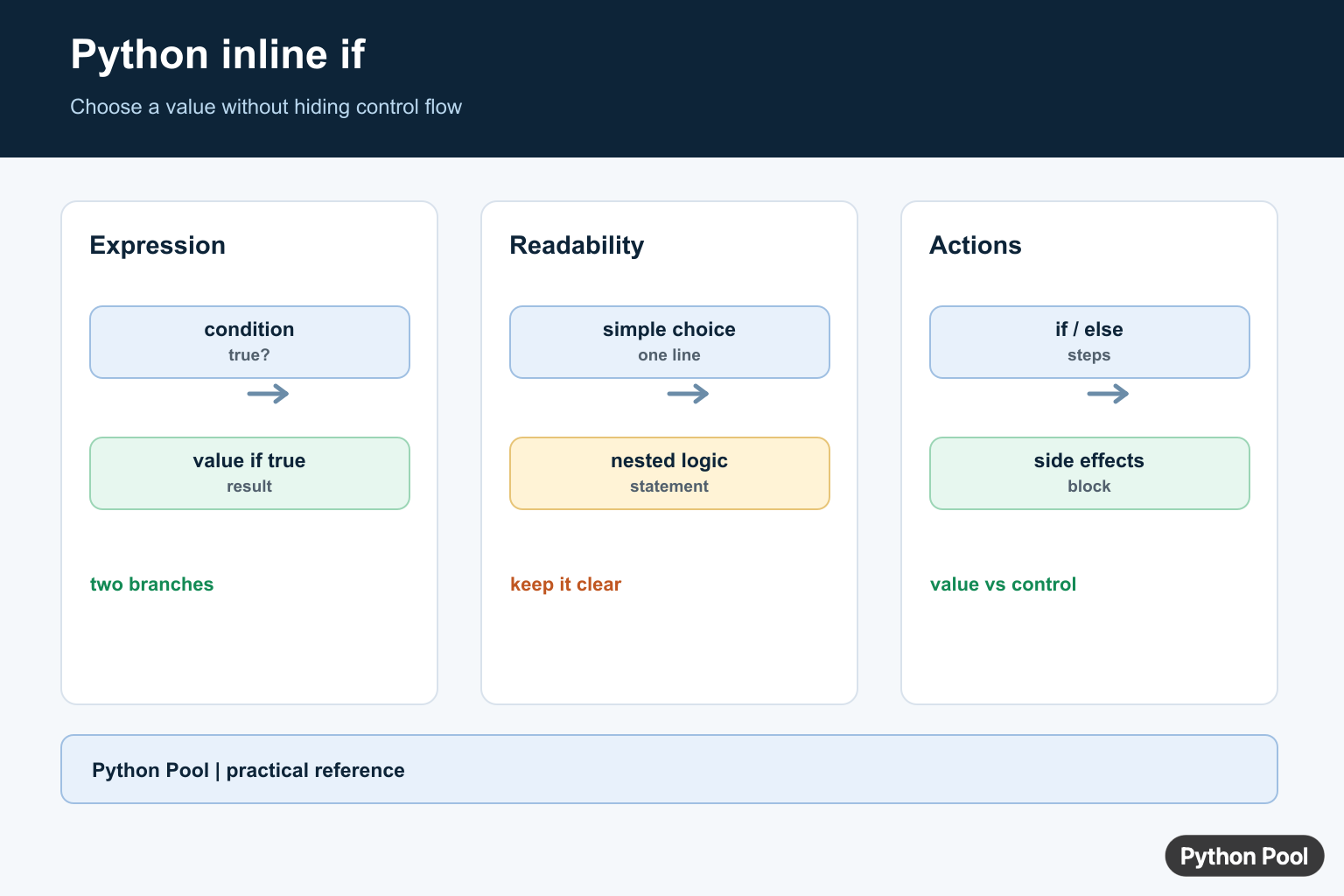
Python’s inline if is usually called a conditional expression. It lets you choose between two values in one expression:
value_if_true if condition else value_if_falseFor example:
age = 20
status = "adult" if age >= 18 else "minor"
print(status)
Output:
adultThe important detail is that a conditional expression returns a value. It is not a replacement for every if statement.
Python inline if syntax
The official Python language reference documents this as a conditional expression. The syntax is:
result = true_value if condition else false_valuePython evaluates the condition first. If the condition is true, it evaluates and returns true_value. Otherwise, it evaluates and returns false_value.
Inline if vs normal if statement
Use a normal if statement when you need multiple statements, side effects, or clearer branching logic.
score = 82

if score >= 60:
    result = "pass"
else:
    result = "fail"
Use an inline if when you only need to choose a value:
score = 82
result = "pass" if score >= 60 else "fail"
Both examples produce the same value, but the second version is only appropriate because each branch is simple.

One-line if without else
You may also see a single-line if statement:
is_ready = True
if is_ready: print("Ready")
This is a compact if statement, not a conditional expression. It performs an action when the condition is true, but it does not choose between two values. For most production code, the multi-line version is easier to read:
if is_ready:
    print("Ready")
Inline if in assignments
The most common use is assigning one of two values.
temperature = 41
message = "hot" if temperature > 35 else "normal"
print(message)
Output:
hotYou can also use it on the right side of an augmented assignment. The expression must be on the right side:
points = 10
bonus = True

points += 5 if bonus else 0
print(points)
Output:
15This works because 5 if bonus else 0 returns a value. Writing an assignment statement inside the expression is not valid Python.
Inline if in list comprehensions
Conditional expressions are useful inside list comprehensions when every item should produce a value.
For the full distinction between a trailing filter and a value-producing conditional expression, see Python list comprehension with if/else; the guide also covers combining both forms, evaluation order, and multiple conditions.
labels = ["even" if number % 2 == 0 else "odd" for number in range(1, 6)]
print(labels)
Output:
['odd', 'even', 'odd', 'even', 'odd']If you need help with range boundaries in examples like this, see Python range() inclusive. For numeric operators, our integer division in Python guide covers nearby arithmetic behavior.

Inline if with elif behavior
Python does not have an elif keyword inside a conditional expression. To express three outcomes, nest another conditional expression in the else branch.
number = 0
label = "positive" if number > 0 else "zero" if number == 0 else "negative"
print(label)
Output:
zeroThis is valid, but it becomes hard to read quickly. For more than two simple branches, prefer a normal if / elif / else block.
if number > 0:
    label = "positive"
elif number == 0:
    label = "zero"
else:
    label = "negative"
Inline if in lambda functions
Lambda functions can only contain expressions, not statements. That means a conditional expression is allowed inside a lambda: A conditional expression is one expression form; Python Expressions and Types Guide develops operands, operators, evaluation, and resulting types more broadly.
classify = lambda score: "pass" if score >= 60 else "fail"

print(classify(72))
Output:
passFor longer logic, define a normal function instead. Python’s lambda expression documentation explains that a lambda body is a single expression.
Common mistakes
- Leaving out
elsein a conditional expression:x if conditionis not a complete conditional expression. - Putting statements inside the expression: assignments,
break,continue, andreturnare statements, not values. - Using inline if for complex branches: use a normal
ifblock when readability drops. - Confusing it with comprehension filters:
[x for x in values if x > 0]filters items;[x if x > 0 else 0 for x in values]transforms every item. - Using the old
and/ortrick: writea if condition else b; it is clearer and handles falsey true-branch values correctly.
If your error involves loop control rather than conditional expressions, see SyntaxError: ‘break’ outside loop. For output formatting in examples, see sep in Python. For list indexing mistakes, read Python list index out of range.
When should you use inline if?
Use an inline if when the condition and both possible values are short and obvious. Use a normal if statement when the logic has multiple steps, changes state, handles errors, or needs comments. Concise code is only better when it stays readable.
Conclusion
Python inline if uses the conditional expression syntax true_value if condition else false_value. It is best for choosing between two simple values in assignments, function arguments, comprehensions, and lambdas. For complex branching, use a normal if / elif / else statement.
Read The Syntax
The expression is value_if_true if condition else value_if_false. Both value expressions are valid Python expressions, and only the selected branch is evaluated after the condition. Unlike a statement, the result can be assigned, returned, or passed directly.
age = 20
label = "adult" if age >= 18 else "minor"
print(label)
Keep One-Liners Small
Inline if works well for labels, defaults, and simple formatting. It becomes harder to review when each branch calls functions, mutates state, or contains another conditional. Parentheses can improve a long expression, but a normal if often communicates the control flow better.
status = "ready"
message = (
    "continue" if status == "ready"
    else "wait"
)
print(message)
Use A Statement For Actions
A conditional expression returns a value; it is not a replacement for a branch that performs several actions. Use if and else blocks for logging, writes, validation, exceptions, or multiple dependent statements. A dictionary or match statement may be clearer when the choice has many cases.
def describe(value):
    if value is None:
        return "missing"
    print("received", value)
    return str(value)
Python’s conditional-expression reference defines the grammar and evaluation behavior.
For broader control flow, compare match-case patterns, the pass statement, and breaking a loop when a one-line choice is no longer enough.
Frequently Asked Questions
What is an inline if in Python?
It is a conditional expression in the form value_if_true if condition else value_if_false.
Can Python inline if omit else?
No. A conditional expression requires both the true and false values; use a normal if statement when there is no alternate value.
Can I nest inline if expressions?
You can, but nested conditional expressions quickly become difficult to read; use a normal if statement or a mapping for multiple cases.
Does inline if evaluate only one branch?
Yes. Python evaluates the condition and then evaluates only the selected branch expression.